
What it does
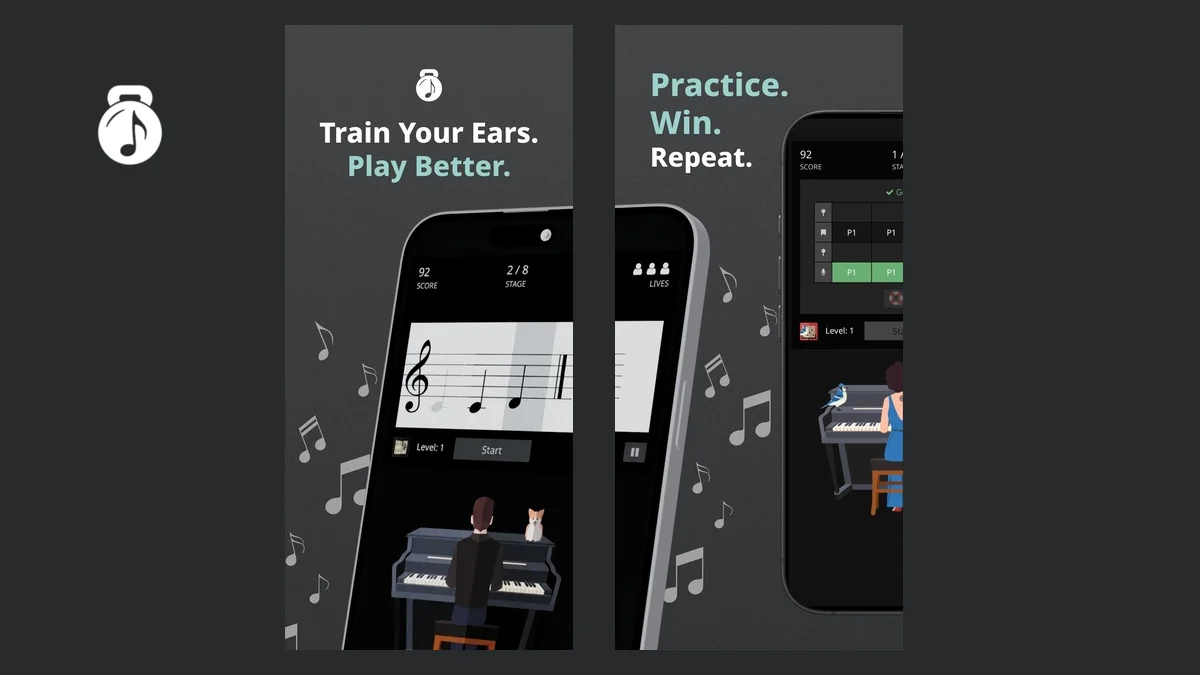
ToneGym turns ear training into a daily set of short games. It covers intervals, chords, scales, progressions, rhythm, melodic memory, sight-reading and sight-singing, with the difficulty adjusted to your performance. It runs in a browser and has iPhone and Android apps that use the same account.
Daily training and focused practice
The daily workout provides a small sequence of games and records the results in the ToneGym Performance Index. Free members get a three-game workout drawn from the same limited set of games. Pro members get five games per workout and access to the full training library.
You can also open individual exercises instead of following the workout. The library includes chord recognition, interval comparison, scale identification, rhythmic dictation, melodic memory, chord progressions and singing exercises. Each game explains the task before you start, so it is possible to use ToneGym without an existing ear-training routine.
The platform adds levels, coins, leaderboards, contests and awards around the exercises. That structure can help if regular repetition is the difficult part of ear training. Musicians who prefer a formal sequence of lessons may find the game-led approach less direct than a traditional course.
Theory tools and courses
ToneGym includes practical theory tools alongside the listening exercises:
- an interactive circle of fifths
- a chord progression generator with voice-leading playback
- scale, chord and interval reference tools
- a sight-singing trainer and vocal warm-ups
- the Music Theory 101 course for beginners
The tools are useful for checking a concept while practising, although ToneGym remains primarily a training platform rather than a notation or composition program.
Progress, community and teaching
Results feed into skill statistics and a performance index, making it easier to see which areas need more work. The community side includes public profiles, spaces, contests and messaging. These features are optional, but some account information and activity may be visible to other members depending on your settings.
The education edition lets teachers create classes, assign exercises, build quizzes and tests, and review student results. ToneGym lists modules for interval, chord, scale, rhythm, melody, sight-reading and sight-singing work. School pricing is separate from the individual plans and is sold by licence count.
Free and Pro plans
Basic registration is free and provides limited access to training and learning tools. Pro unlocks all games, complete workouts, deeper statistics, focused training and the full tool library. ToneGym sells monthly and yearly subscriptions as well as lifetime access on its website. Yearly and lifetime website purchases have a 30-day money-back period; monthly purchases do not.
The mobile apps are free to download, with Pro access tied to the same ToneGym account. App-store prices and refund rules can differ from website purchases.
Practical limitations
ToneGym needs audio playback, and some singing or rhythm exercises may require microphone or tap input. Start at a low volume and avoid long sessions at high levels; ToneGym includes the same hearing-safety warning in its terms and app listings.
The individual plans are designed for self-directed practice. Teacher reporting, reusable student licences and class management belong to the education product. The native mobile apps only launched in August 2026, so musicians who want the most established version may prefer the browser platform while the apps continue to mature.
Alternatives to ToneGym
- EarMaster offers a more course-like route through ear training, sight-singing and rhythm work, with desktop and mobile apps. It is the better comparison when graded lessons and formal exercises matter more than community competition.
- MusicTheory.net exercises provide straightforward browser drills for notes, intervals, scales, chords and ear training. They are less game-like and have fewer progress and classroom features.