
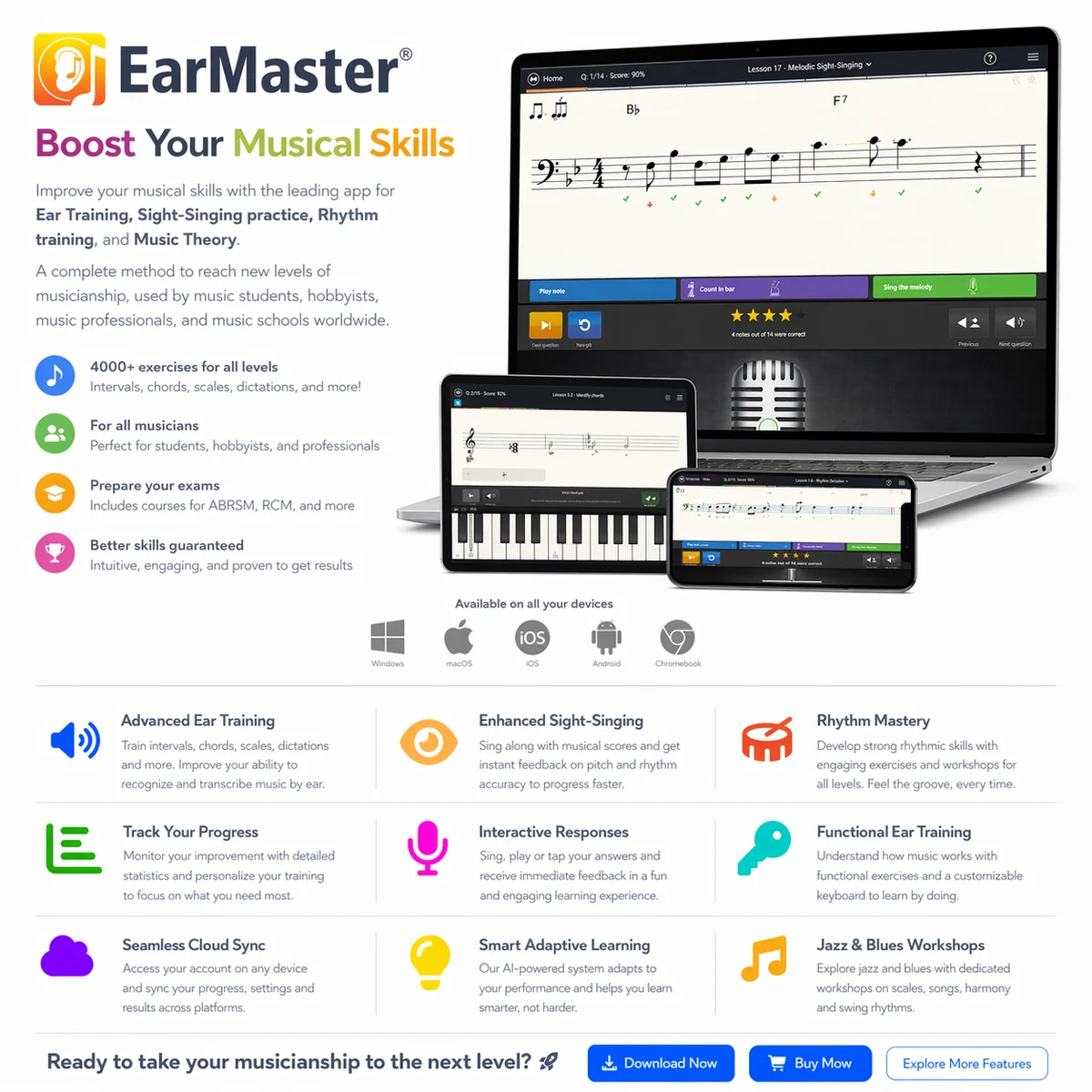
What it does
EarMaster is an ear-training, sight-singing and rhythm-practice app for musicians, students and teachers. It combines listening questions with tasks you sing, clap, play or notate, so practice can move from recognising an interval to reproducing a melody or transcribing a rhythm. Courses and customised exercises cover different skill levels.
Listen, perform and check your answer
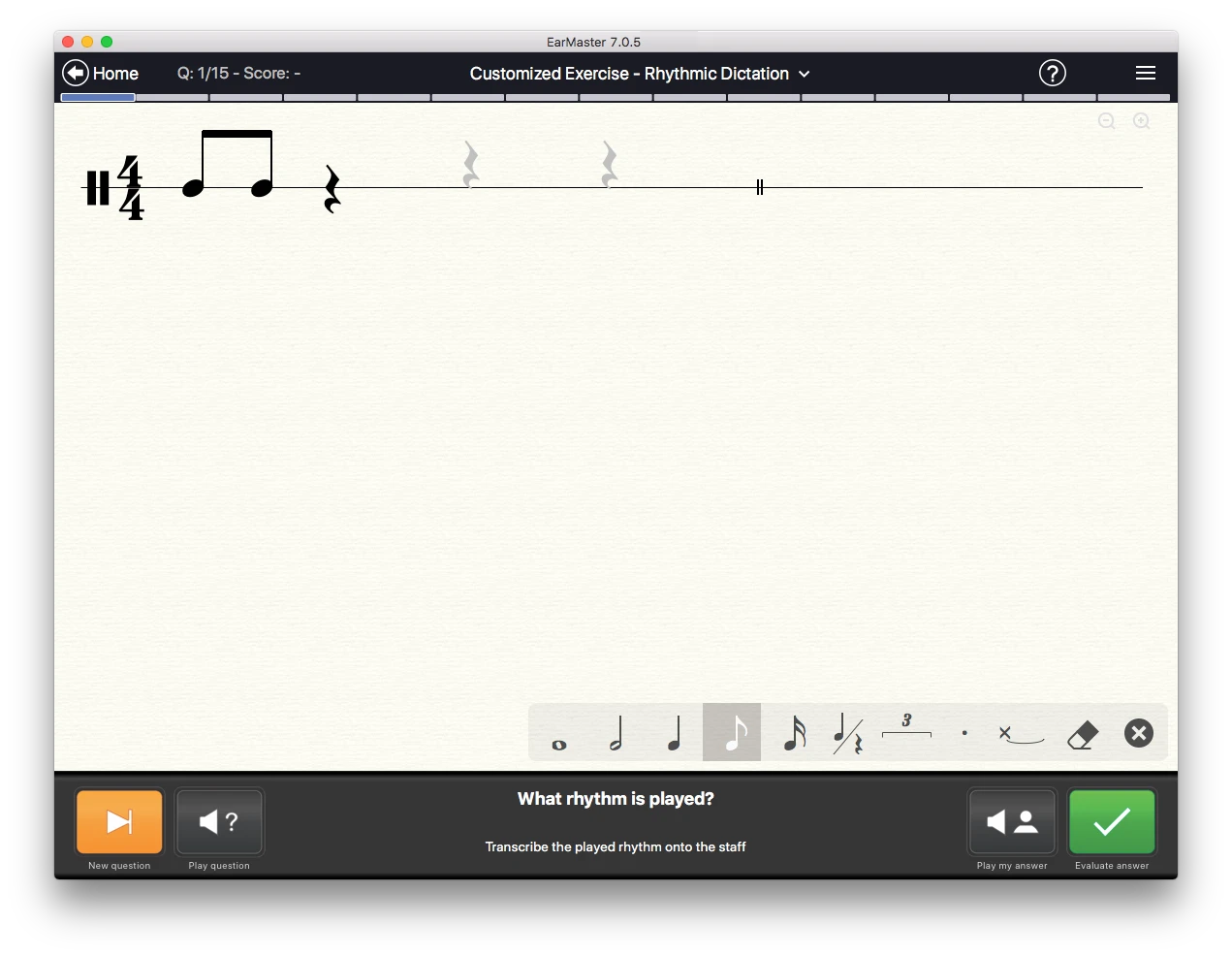
Recognition exercises cover intervals, chords, inversions, progressions and scales. You can answer through multiple-choice buttons or onscreen notation and instrument views. Dictation exercises ask you to write down a melody or rhythm after hearing it.
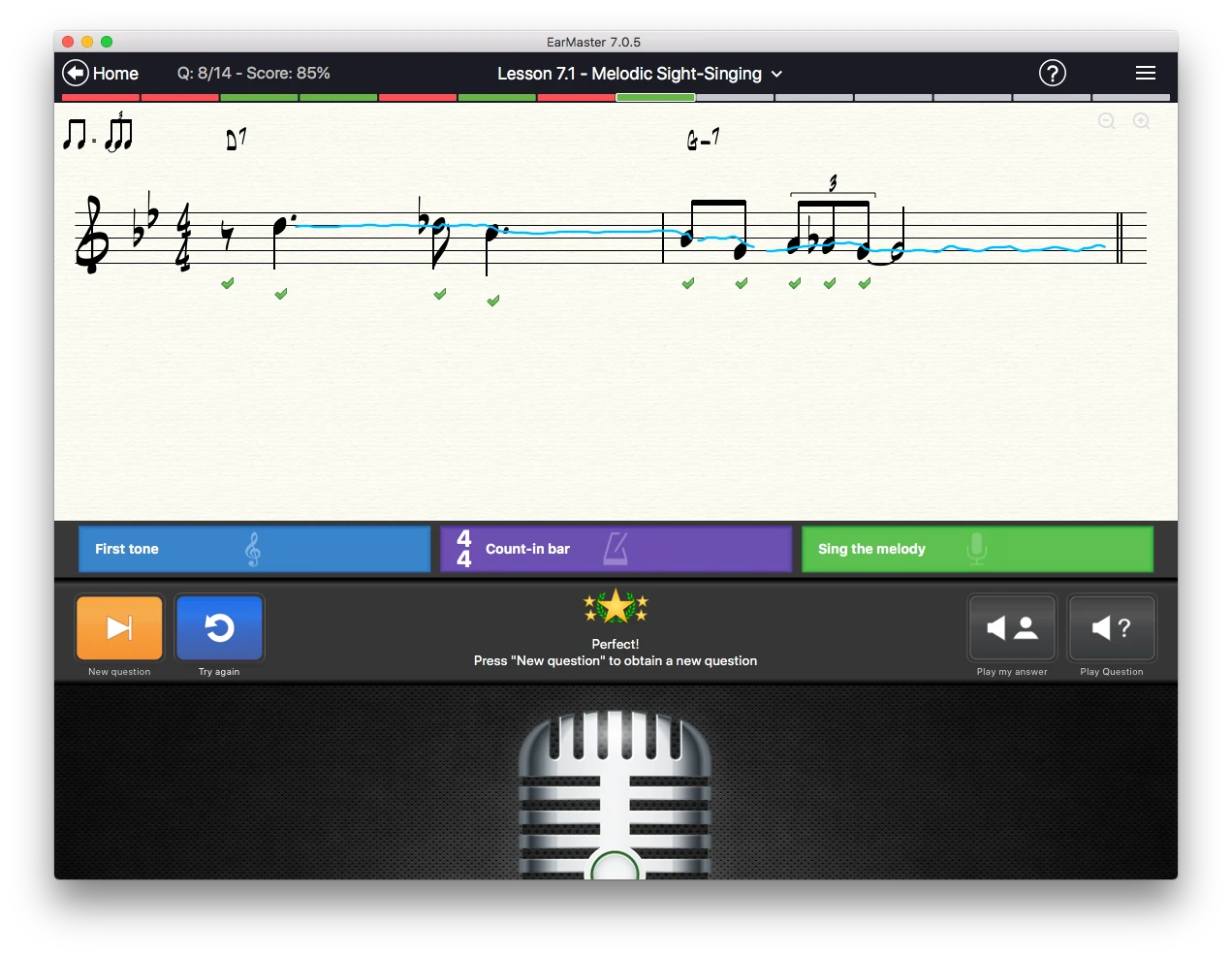
For sight-singing and singback, EarMaster listens through a microphone and displays feedback on pitch and timing. Rhythm activities include reading a notated pattern, clapping back what you hear and detecting changes between a score and its playback. Depending on the exercise, you can also respond with a computer keyboard or MIDI instrument.
Useful features
- Follow structured courses, including beginner material, jazz workshops and exam-focused aural training.
- Customise practice around particular intervals, chords, scales, keys and clefs.
- Sing or clap answers and review pitch and rhythm feedback.
- Enter notes through staff notation, piano and other instrument layouts.
- Review results and statistics to identify material that needs more practice.
Devices and setup
EarMaster runs on Windows, macOS, iPhone, iPad and Android phones and tablets. Check the current installer or app-store requirements for your device, since requirements differ between platforms and releases.
Use a microphone for sung or clapped responses. Headphones are needed when using microphone input, as specified in the system requirements. A MIDI controller is an optional way to enter answers.
Free access, licences and teaching tools
The free version includes the first four Beginner's Course modules, customised interval and chord identification, and selected complete courses. Broader access is available through an All Access subscription or a permanent licence for a particular platform and content package.
An individual subscription includes desktop and mobile apps, courses, cloud syncing of results and settings, and updates. Subscription content requires an online check at least every seven days. A platform-specific permanent licence should not be assumed to include the same cross-device access or every add-on course.
EarMaster Cloud is the education option for schools and teaching studios. Teachers use its desktop tools to create and assign exercises and monitor results, while a web dashboard manages users and classes. Those classroom features belong to the school plan.
Screenshots
Developer-provided EarMaster 7 desktop screenshots showing sight-singing feedback and rhythmic dictation.
Alternatives to EarMaster
- Tenuto: For focused, customisable notation, keyboard, fretboard and ear-training drills on iPhone or iPad. Its offline exercises and calculators suit students who want targeted practice.
- Complete Ear Trainer: For progressive interval, chord and scale drills on Android and iOS, with a game-style progression and custom training. This link goes to its official website.
- Auralia: For schools comparing aural-training and assessment systems. It covers sight-singing, rhythm and dictation, with assignments, result tracking and learning-management-system integrations in its Cloud edition. This link goes to its official website.