
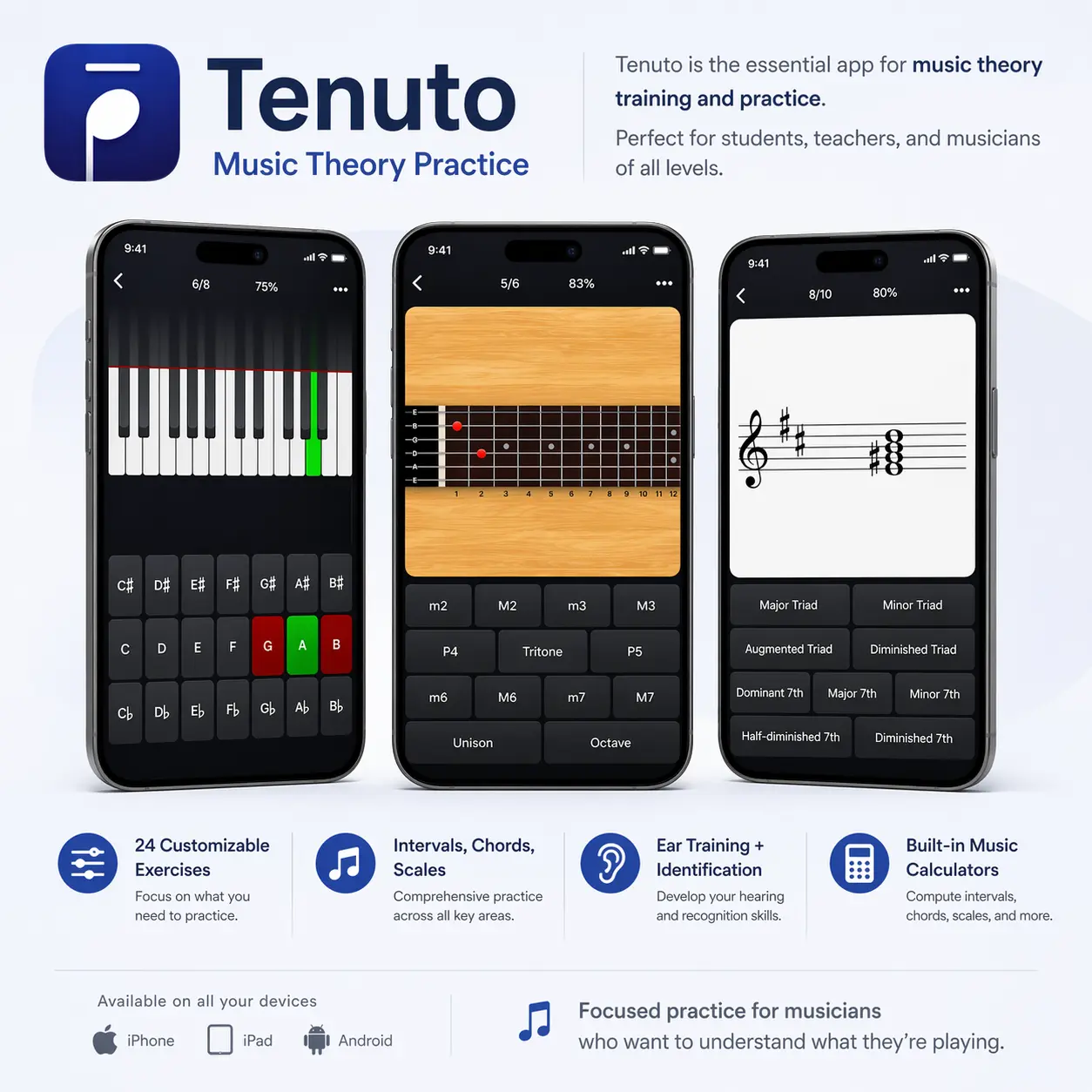
What it does
Tenuto is a music-theory practice app for iPhone and iPad, with exercises for reading notation, recognising keyboard and fretboard patterns, and identifying sounds by ear. Its 24 customisable exercises and six calculators suit students working on specific weak spots or completing practice set by a teacher.
Focus practice on the material you need
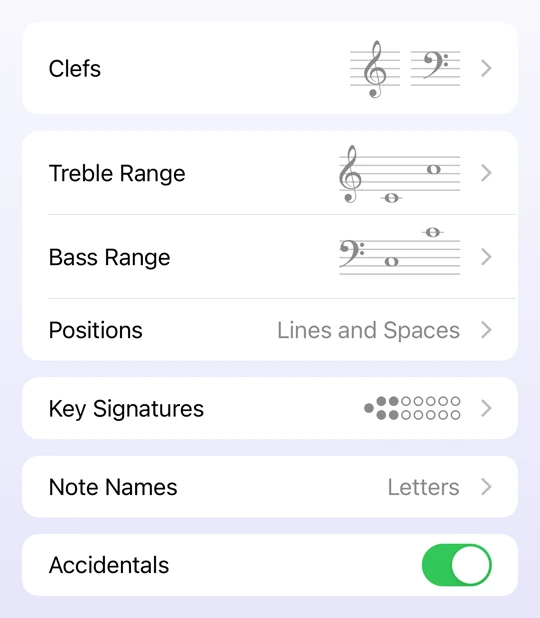
Choose an exercise, then adjust its settings to match what you are studying. Note-reading practice can focus on particular clefs, staff ranges, key signatures and accidentals. Challenge Mode adds a question limit or timer when you want a defined practice session rather than an endless stream of questions.
The exercises cover both recognition and construction. You can identify a written chord, for example, or build a requested interval by moving notes and adding accidentals. Keyboard and fretboard views connect the same concepts to instrument layouts.
Useful features
- Identify and construct notes, key signatures, intervals, scales and chords on the staff.
- Practise note, interval, scale and chord identification on an onscreen keyboard or fretboard.
- Listen to notes, intervals, scales and chords and select the matching answer.
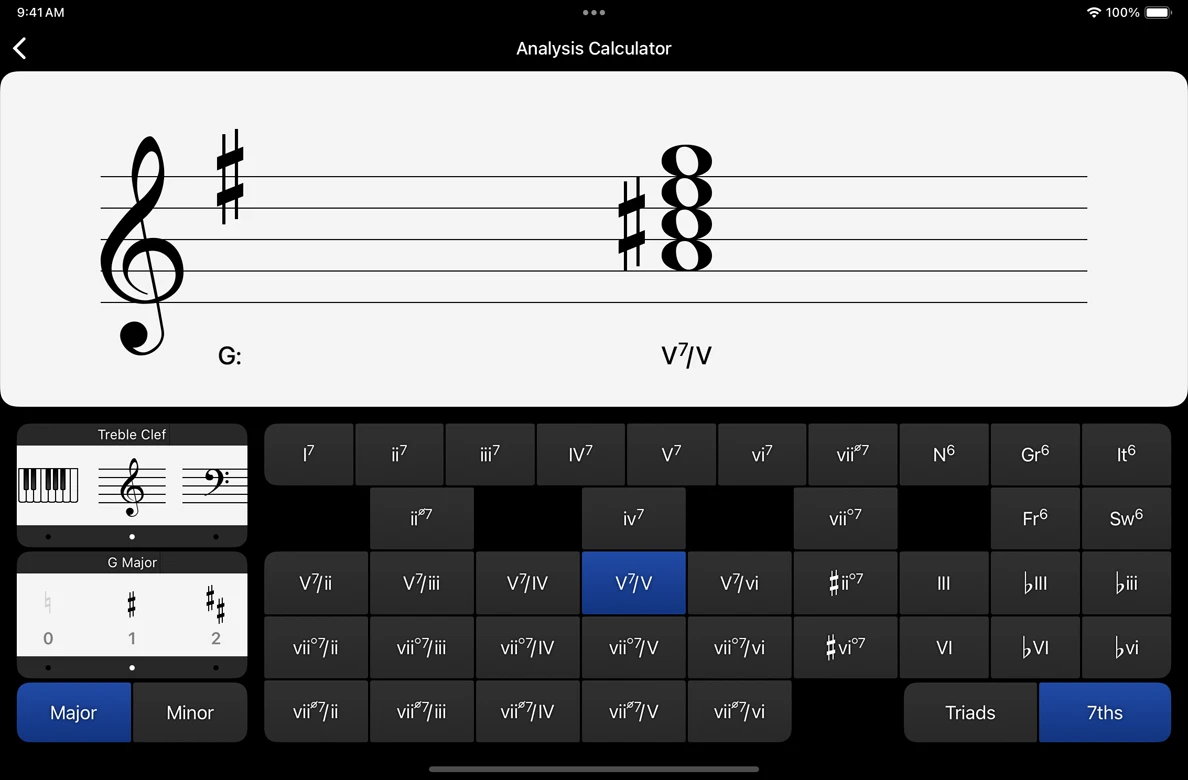
- Use calculators for accidentals, intervals, scales, chords, analysis symbols and twelve-tone matrices.
- Generate progress reports to share or print for a teacher.
Offline practice and teacher assignments
Tenuto works without an internet connection, so the exercises and calculators remain available away from Wi-Fi. Sending a report can wait until you are connected again.
If a teacher assigns a customised musictheory.net exercise, open its link in Safari on your iPhone or iPad and select “Open Exercise in Tenuto”. Importing it replaces that exercise's current customisations and resets its score. After completing the work, open the progress report and share it by email or print it.
Platforms and purchase
Tenuto is a paid App Store download for iPhone and iPad. The current listing requires iOS or iPadOS 15.8 or later. Check compatibility against your device before buying.
The publisher also provides free browser exercises on musictheory.net. Those are useful for trying the types of questions before choosing the offline app.
Screenshots
Developer-provided images showing exercise customisation and the Analysis Calculator.
Alternatives to Tenuto
- musictheory.net exercises: The closest free option for similar theory drills in a browser. Choose this when desktop access matters more than offline iPhone or iPad practice. This is the publisher's website.
- EarMaster: For a wider aural-skills routine that includes sight-singing, rhythm and melodic dictation alongside interval and chord recognition. Singing or clapping answers adds a performance task to the practice.
- Complete Ear Trainer: For a structured mobile ear-training course with progressive drills on Android and iOS. Consider it when hearing intervals, chords and scales is the main goal. This link goes to its official website.