What it does
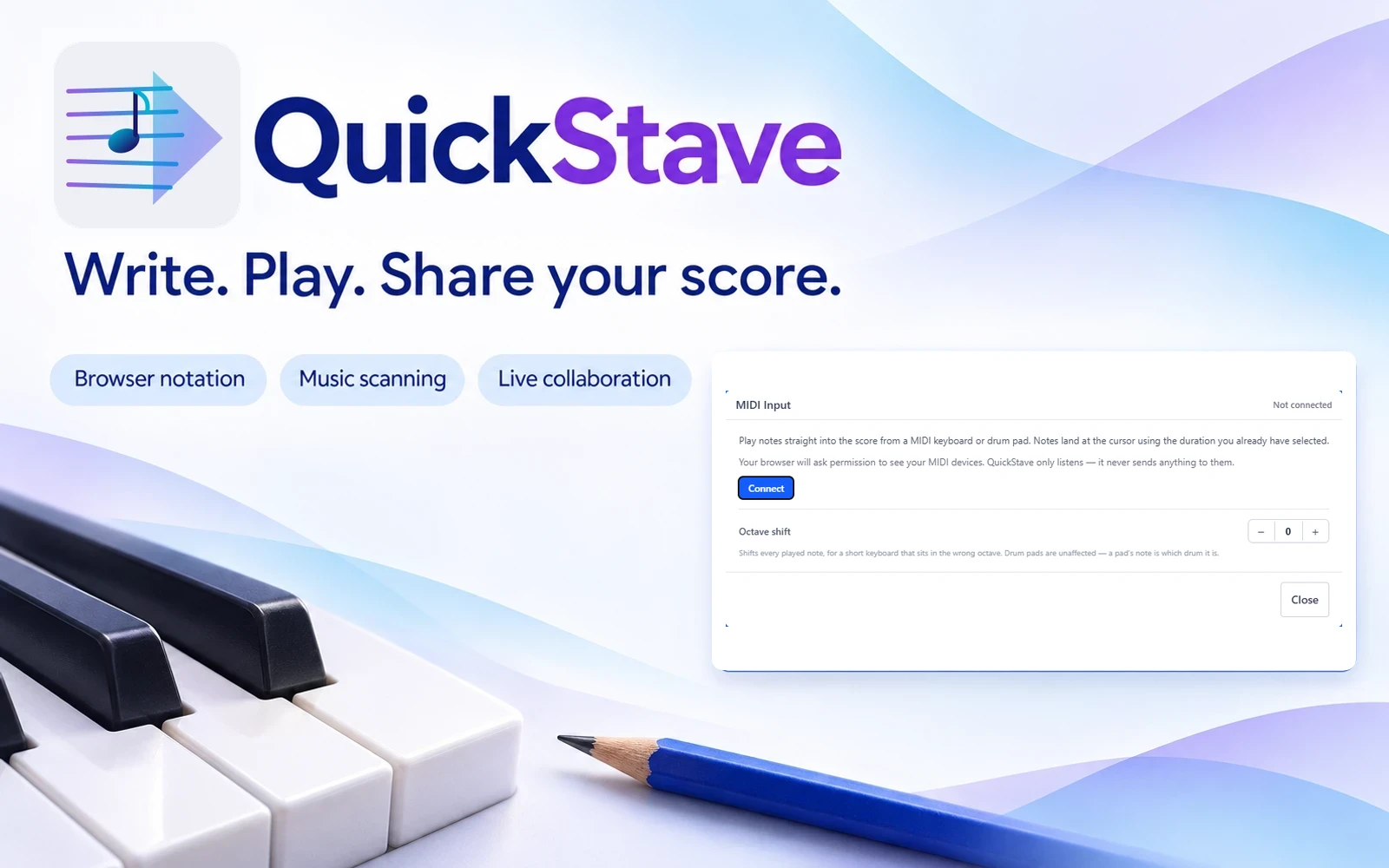
QuickStave is a browser-based notation editor for composers, teachers and ensembles who want to write, play and share scores across devices. Free creation, music scanning and live co-editing sit alongside paid export options, so you can work on a score before deciding whether you need the extra formats.
Write and share a score
Enter notes with the on-screen palette, computer keyboard or a supported MIDI controller. QuickStave combines notation with built-in instrument playback, so you can hear a passage while you edit it. Its tools cover conventional staff notation, guitar tablature and drum-kit notation.
- Import MusicXML or MIDI to continue an existing arrangement.
- Scan a photo or PDF of printed music into an editable score with optical music recognition.
- Invite collaborators with a link to edit together, or share a live-view link for people following along.
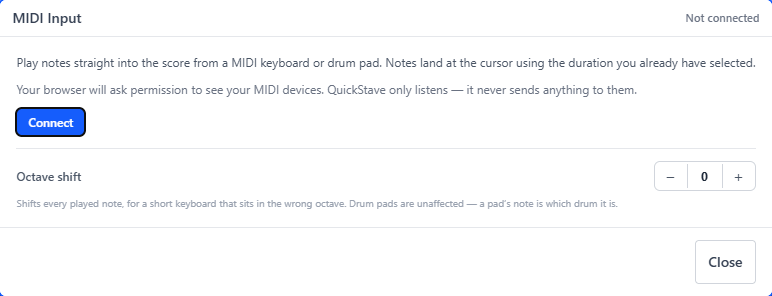
- Use a MIDI keyboard or drum pad for step-time entry, with note lengths selected in the palette.
- Browse shared scores and use the virtual piano for instrument playback.
The editor works in modern desktop, tablet and phone browsers. A Progressive Web App option supports offline use. An account is needed for cloud sync, but you can start without one.
Free creation, paid exports
The free plan includes unlimited scores, editing, playback, scanning, MusicXML and MIDI import, and live collaboration. Watermarked PDF export is included. Pro removes the print watermark and adds MusicXML, MIDI, WAV and MP3 exports. Monthly, annual and lifetime purchase options are offered, with a separate team plan for managed seats.
Check the notation before rehearsal
Scanned and imported scores need proofreading. Check accidentals, rhythms, spacing and instrument parts against the original before handing them to performers. Earlier community feedback reported import and spacing problems. The developer responded, but we have not tested whether those particular examples are resolved.
MIDI input is step-time entry rather than real-time rhythm transcription. The developer documents Web MIDI support in Chrome, Edge and Android Chrome, while Safari and iOS lack this input method. Set the duration first, then play each note or chord.
Alternatives to QuickStave
Flat.io also supports browser notation and real-time collaboration. Compare its editor and sharing workflow if composing together is your main requirement.
Noteflight is an external alternative for online notation, playback and sharing, with a separate education product for classroom use.
Screenshot