
What it does
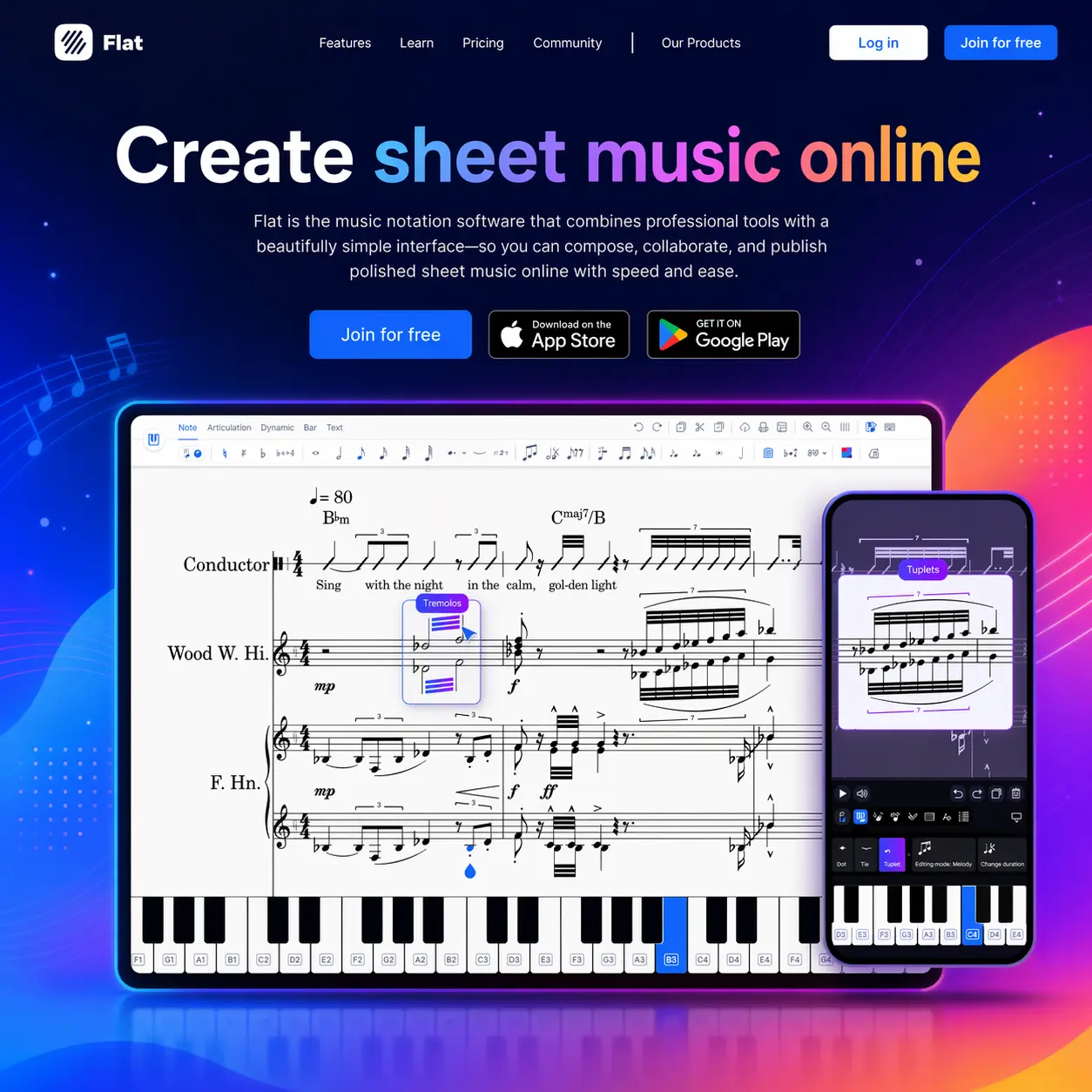
Browser-based music notation has come a long way, and Flat sits near the top of the field for anyone who wants to write sheet music without installing heavyweight desktop software. Where Sibelius and Finale demand local installs and large licensing fees, Flat runs entirely in your browser and syncs across web, iOS, and Android automatically. Open a score on your laptop, pick it up on your phone, and continue on a tablet without uploading or emailing a file.
The notation editor covers the range of typical use cases: standard notation, guitar tabs, drum notation, chord symbols, lyrics, and lead sheets. Over 180 instruments are available, with the free tier giving you access to 30 of them and a library capped at 15 scores. The free plan includes real-time collaboration and MusicXML and MIDI import, which is more than most competitors offer without a paywall. Exports from the free tier include a Flat watermark, which is the main friction point for anyone wanting polished PDFs.
Flat Power removes the score cap, unlocks the full 150+ instrument library including high-quality studio sounds, strips the watermark from exports, and adds advanced playback controls, customizable layouts, and templates. It is available as a monthly or annual subscription, and there is a lifetime purchase option for those who want to pay once and be done. The yearly plan saves significantly over monthly.
Flat for Education is a separate product worth knowing about. It adds classroom management tools and integrates directly with Google Classroom, Microsoft Teams, Canvas, Moodle, and Schoology. Teachers can assign notation exercises, track student submissions, and give real-time feedback inside the same score. Hundreds of thousands of students and teachers use it, and it is probably the strongest part of the Flat offering in terms of differentiation from desktop notation tools.
For solo composers and arrangers, the main comparison is MuseScore. MuseScore is free, unlimited, and runs on desktop with superior engraving depth: microtonal notation, fine layout control, and the Muse Sounds playback library, which is among the best free orchestral sample sets available. But MuseScore has no browser version, no Chromebook support, and no collaboration. Flat wins on those fronts. Noteflight is the closest direct web-based competitor, and the two are treated as near-equivalents for classroom use; Flat generally has better instrument quality and a cleaner interface.
Worth knowing: the Android app has recurring stability complaints, with multiple users reporting it unreliable enough to abandon. iOS holds up better. The notation tools cover standard use cases well but have gaps around guitar: no left/right-hand fingering markings, inflexible measure-per-system control, and copy-paste problems in mixed time signatures. These are not issues for pianists or ensemble composers, but guitarists writing tabs will notice them.
The free tier is genuinely useful for trying the tool or for occasional use, but the 15-score ceiling will be hit by anyone doing real work, and the watermarked exports make it unsuitable for sharing with clients or ensembles.