What it does
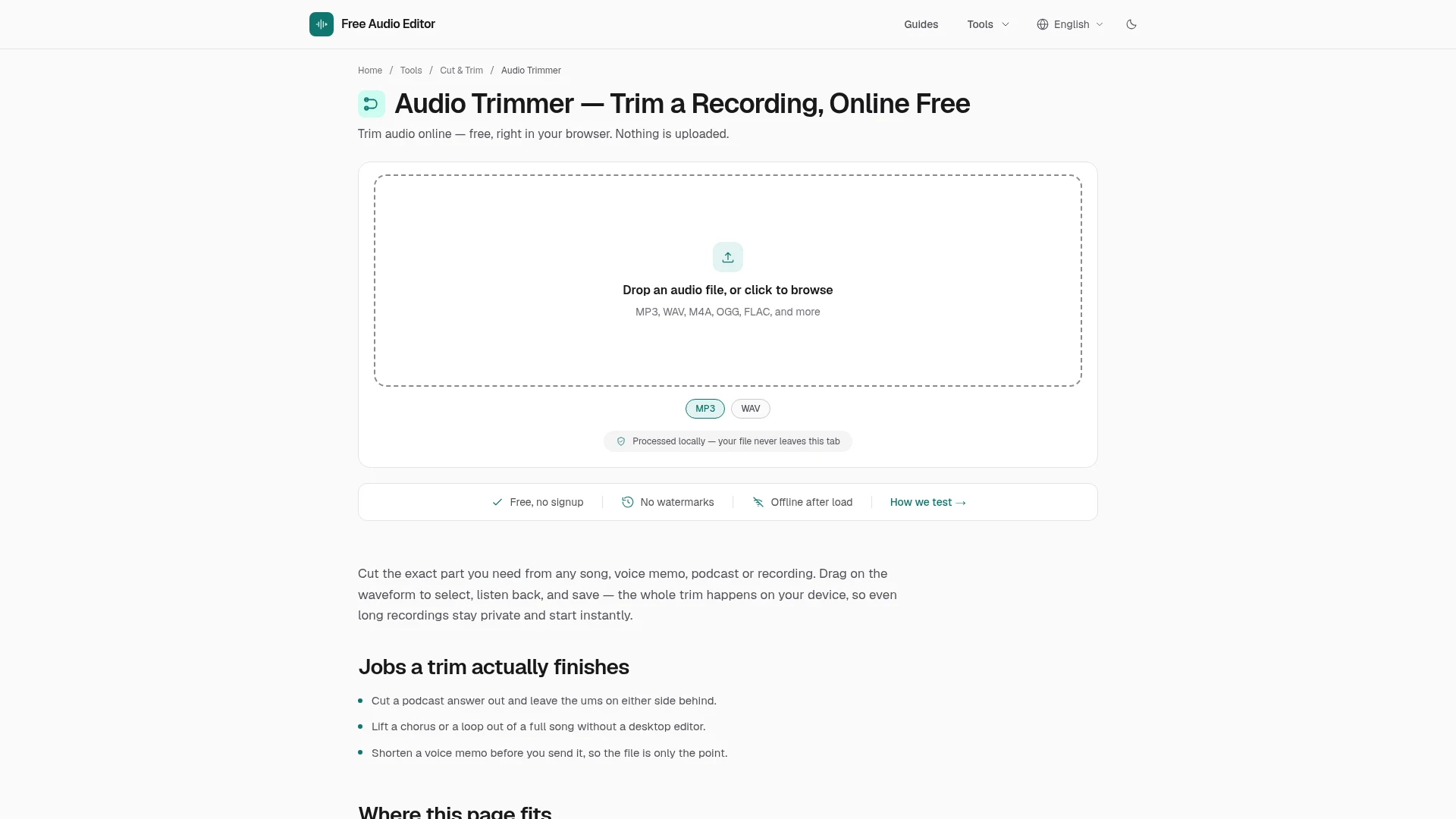
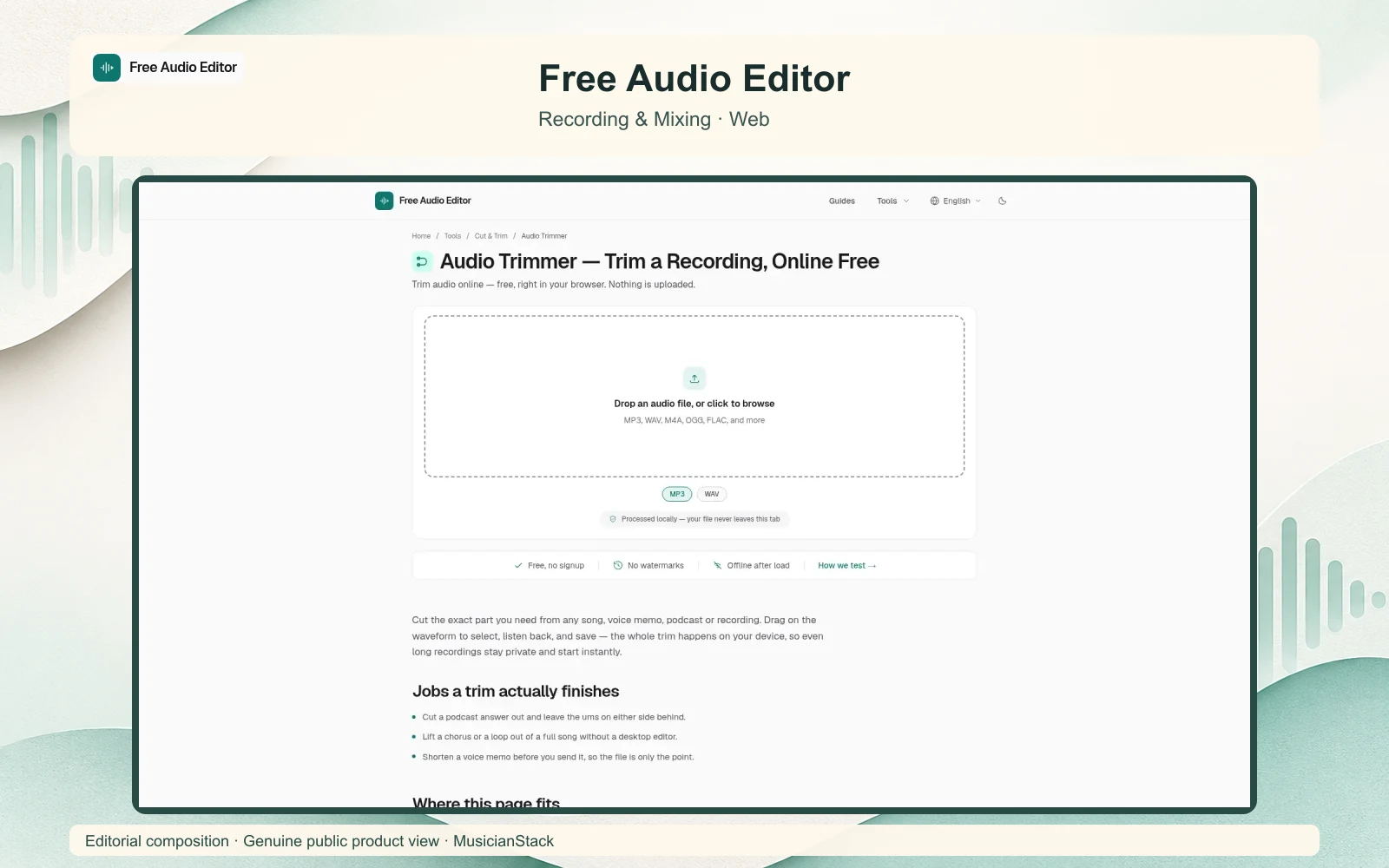
Free Audio Editor is a collection of browser tools for trimming, joining, converting and processing audio. Musicians can use it for quick recording edits and file preparation without installing a desktop editor, signing up or uploading the recording to a processing service.
Choose the operation you need
The site separates common jobs into individual tools rather than presenting a full studio project.
- Trim or cut a recording to keep the wanted section.
- Join audio files when separate clips need to become one file.
- Convert formats for the next stage of a workflow.
- Adjust volume, normalise levels or apply fades.
- Reverse audio and apply the available effects for simple sound-design tasks.
- Record audio through the browser’s recording tool.
The homepage lists MP3, WAV, M4A, OGG and FLAC among its formats. Actual decoding and export support depend on the selected tool, browser and operating system. Check the export options before committing to a format-sensitive job.
Free local processing
The tools are free and do not require an account. The site says processing happens on the device, with no audio upload or watermark. Tools can work offline once their required page resources have loaded. Large recordings still depend on the device’s available memory and browser limits.
This is a useful route for individual edits and conversions. The public tool pages were inspected for this review, but no recording was processed or exported, and the site’s privacy implementation was not independently audited.
Alternatives to Free Audio Editor
AudioMass is an external browser waveform editor for cutting, processing and exporting audio. Choose it when you prefer a single editor around the waveform rather than separate task pages.
Audacity is a listed desktop alternative for recording, editing and processing audio when you need a fuller waveform editor rather than separate browser tools.