
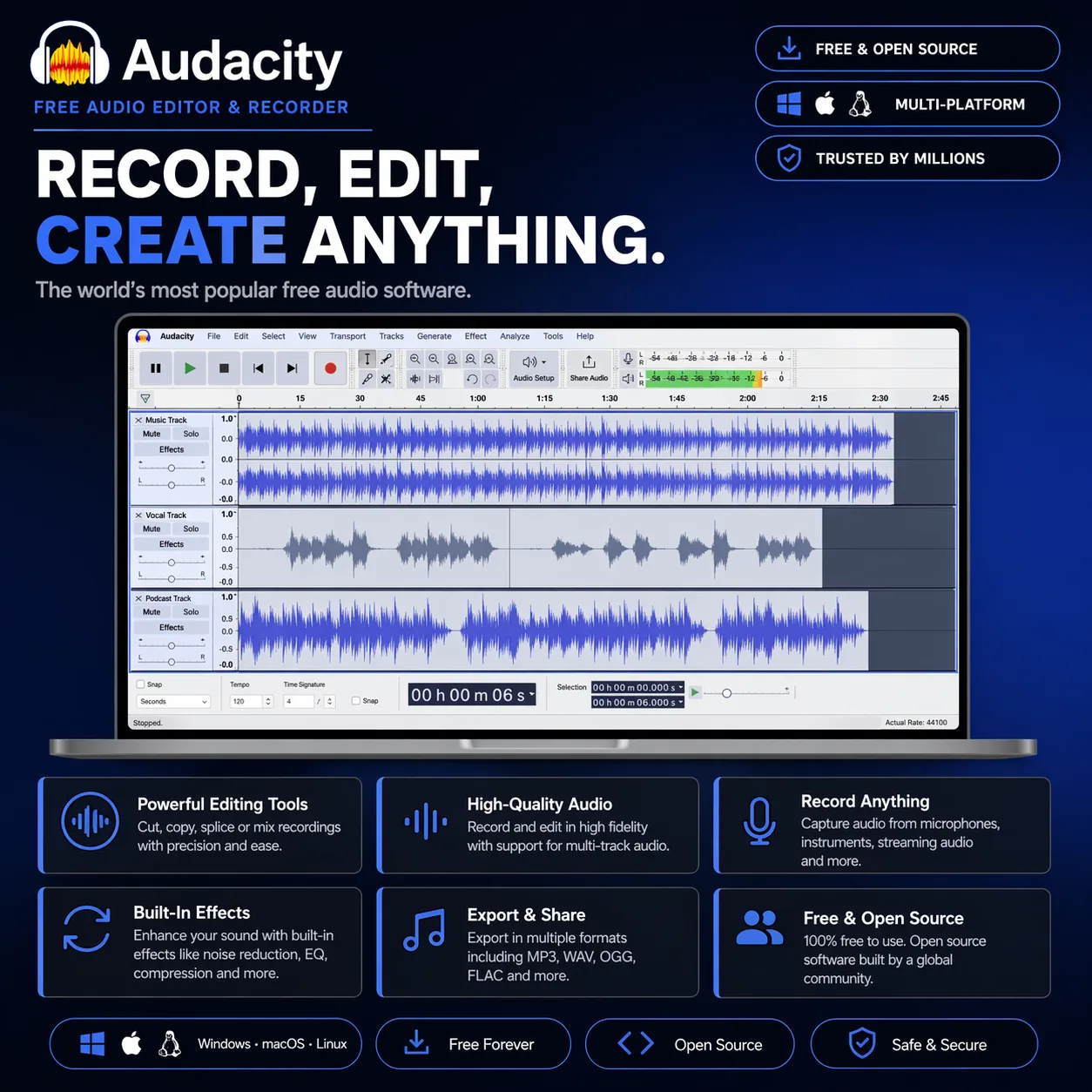
What it does
A free, open-source audio editor for recording, cutting, and basic processing. It’s commonly used for simple tasks like editing voice recordings, cleaning up audio, or doing lightweight mixes.
A lot of people start with Audacity because it is free, but stick with it because it is fast. It is a desktop audio editor and recorder that handles the core jobs without getting in your way. Recording vocals, trimming takes, cleaning up noise, exporting files, all of that happens quickly and with very little setup.
The interface is built around a multitrack waveform editor. You import or record audio, stack tracks vertically, and work directly on the waveform. Cutting, fading, moving clips, and adjusting levels is straightforward. It does not feel like a modern DAW, but that simplicity is part of the appeal. You are not dealing with MIDI, virtual instruments, or complex routing. It is focused on audio.
Under the hood, it is more capable than it looks. You get non destructive editing, a full set of built in effects, and support for third party plugins including VST3, AU, LV2, and LADSPA. That opens the door to proper EQ, compression, reverb, and more advanced processing if you need it. It also supports a wide range of formats including WAV, MP3, FLAC, AIFF, and others, so it doubles as a reliable format converter. :contentReference[oaicite:0]{index=0}
Some of the most useful tools are the practical ones. Noise Reduction is still one of the quickest ways to clean up hiss or room noise. Pitch Shifter lets you move audio between keys without changing tempo. Vocal Remover uses basic stem separation to strip vocals for rough karaoke or remix work. These are not high end mastering tools, but they are effective for everyday editing tasks.
Audacity runs on macOS, Windows, and Linux. There is no standalone mobile version, and no plugin format because it is not designed to sit inside a DAW. It is its own environment. Apple Silicon support depends on the build you install, but current versions run well on modern systems.
It is fully open source, which explains both its strengths and its rough edges. There is a huge community contributing plugins and improvements, but the interface and workflow have not changed dramatically over the years. If you are coming from something like Ableton or Logic, it will feel limited. If you just need to record, edit, and export audio quickly, it is hard to beat.
| Audacity: Pros | Cons |
|---|---|
| Free and open source: No cost at all. Full access forever. |
Dated interface: Feels old. Not visually modern. |
| Fast editing: Cut and export quickly. Minimal setup. |
No MIDI support: No instruments. Audio only workflow. |
| Wide format support: MP3 WAV FLAC etc. Good converter. |
Limited mixing tools: No advanced routing. Basic workflow. |
| Plugin support: VST3 AU LV2. Extendable system. |
No DAW integration: Standalone only. Separate workflow. |
| Cross platform: macOS Windows Linux. Lightweight. |
Learning quirks: Non standard workflow. Takes adjustment. |
Used For
- Recording podcasts, voiceovers, and spoken audio
- Cleaning up noisy recordings with noise reduction tools
- Trimming and editing audio clips for quick exports
- Converting audio files between formats
- Basic music editing and multitrack recording
- Removing vocals for rough remixes or karaoke tracks
- Capturing and editing field recordings or interviews
Feature Bullets
- Multitrack waveform editing with real time playback
- Built in effects including EQ, compression, reverb, and noise reduction
- Pitch shifting and time adjustment tools
- Vocal removal and basic stem separation
- Support for VST3, AU, LV2, LADSPA, and Nyquist plugins