
What it does
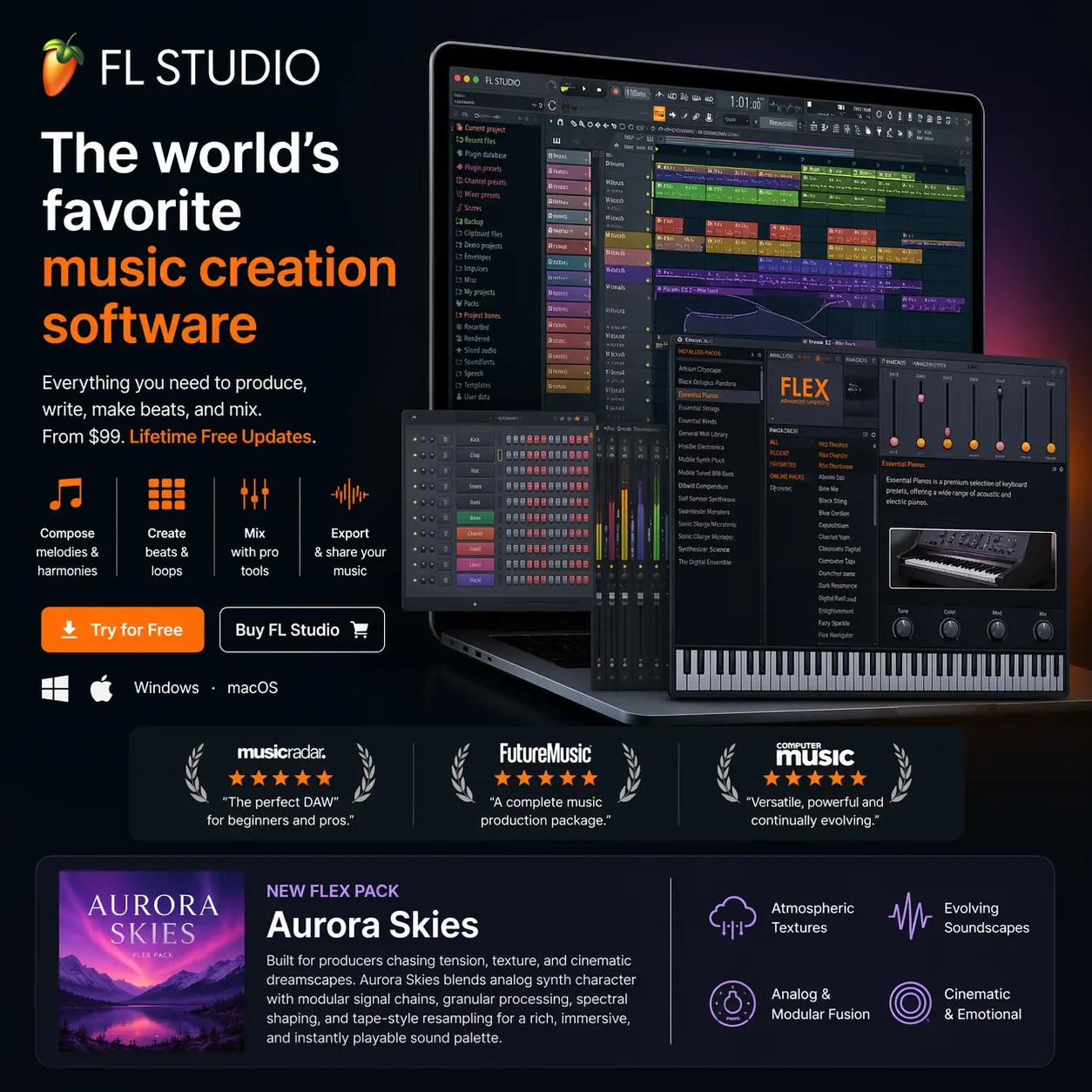
FL Studio is Image-Line's DAW for building beats, writing melodies, recording audio and mixing complete tracks. Its Channel Rack and Piano roll let you develop musical patterns, then arrange those patterns alongside audio and automation in the Playlist. It suits producers who like to work from a drum groove or melodic phrase outward.
Build patterns, then arrange the track
Load samples and instruments into the Channel Rack, program drum hits in the step sequencer, and draw or record notes in the Piano roll. A pattern can contain several instruments, so it can hold a complete groove or just one part of it.
The Playlist combines pattern clips, recorded audio and automation along a timeline. Mixer routing is flexible: instruments do not have to share a fixed relationship with Playlist lanes. Instrument Track mode links an instrument, Playlist lane and Mixer track when you want a more conventional recording layout.
Useful features
- Edit melodies and chords in the Piano roll, with control over note timing, velocity and other note properties.
- Use Automation Clips to draw changes to instrument, effect and mixer controls.
- Record microphones, guitars and other audio sources with Producer Edition or above, then edit recordings in Edison.
- Separate audio into stems for remixing and editing with Producer Edition or above.
- Combine included instruments and effects with third-party plugins. The installed collection includes trial plugins as well as devices licensed to your edition.
- Export finished mixes or separate Mixer tracks as audio, and export note data as MIDI.
Compatibility and editions
FL Studio runs on Windows and macOS, including Intel and Apple Silicon Macs. One licence covers both desktop platforms. The minimum is 4 GB RAM, with more memory and an SSD recommended for larger projects. Check the current download page for supported operating systems before installing.
It hosts VST2, VST3 and CLAP plugins on both platforms, plus Audio Units on macOS. FL Studio Mobile is a separate app, so a desktop licence should not be read as a mobile entitlement.
Fruity Edition covers pattern composition but limits Playlist audio clips and does not include audio recording. Producer Edition adds recording, Edison and broader audio workflows. Signature Bundle and All Plugins Edition add further instruments and effects. Check the edition chart against the particular plugins you need, especially when reopening a project made in the trial.
Purchase, trial and updates
FL Studio is a one-time purchase with Lifetime Free Updates to the edition you own. Higher editions and some additional plugins cost extra. FL Cloud is an optional subscription for extra content and services. The DAW works without it. A Rent-to-Own Plus plan is also offered in some regions, with FL Cloud continuing until cancelled after the DAW is paid off.
The trial has no time limit and can save projects and export audio. It cannot reopen saved projects until you buy and unlock an edition.
Alternatives to FL Studio
- Ableton Live: For producers who want to improvise with clips and scenes, then record the performance into an arrangement. Its Session View also suits taking a set onto the stage.
- Bitwig Studio: For electronic production where modulation and building your own instruments or effects matter. It combines a clip launcher with an arranger and also supports Linux. This link goes to Bitwig's official website.
- Logic Pro: For Mac users combining beats and loops with vocal or instrument recording. Live Loops, take comping and Flex Pitch give concrete options for developing and editing recorded performances.