
What it does
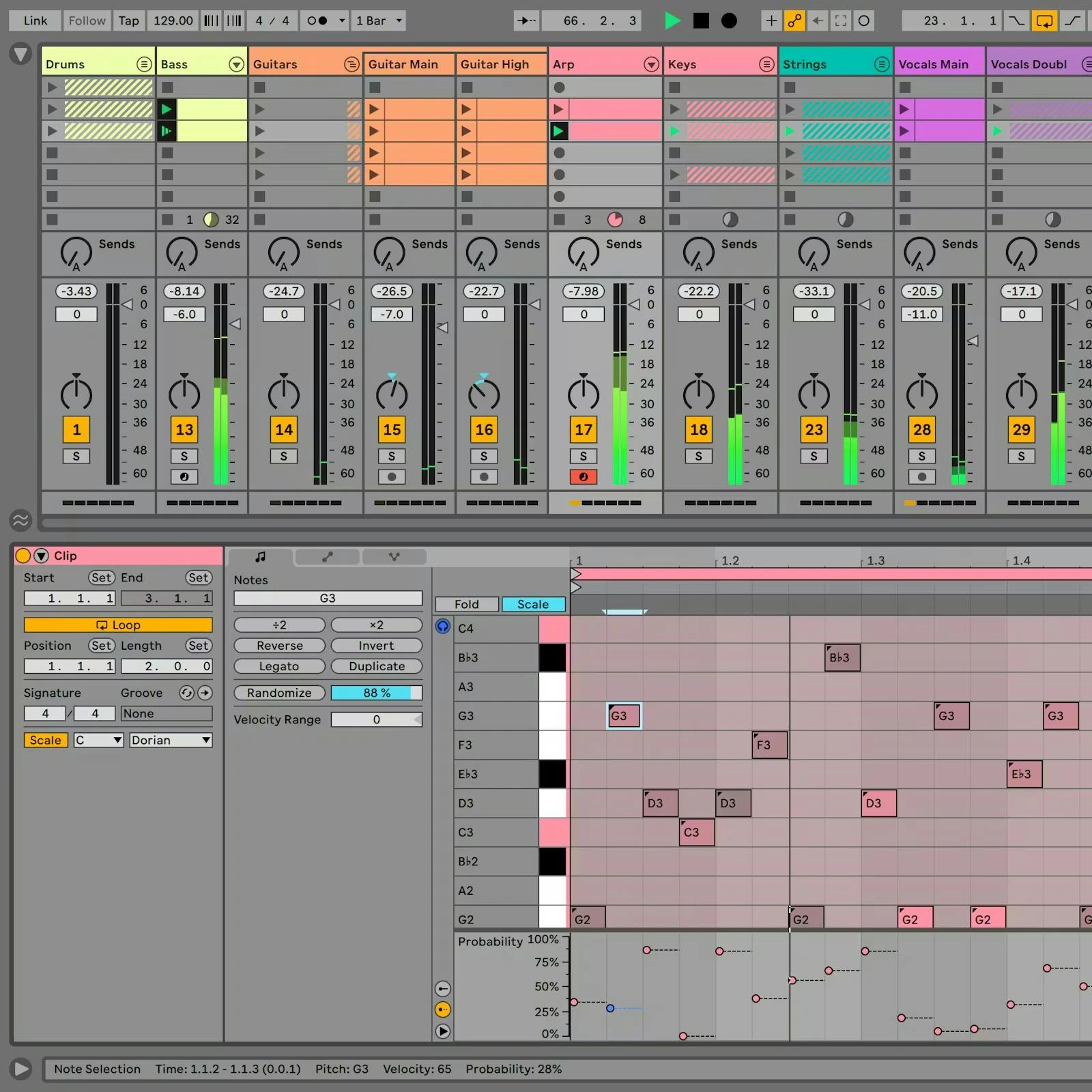
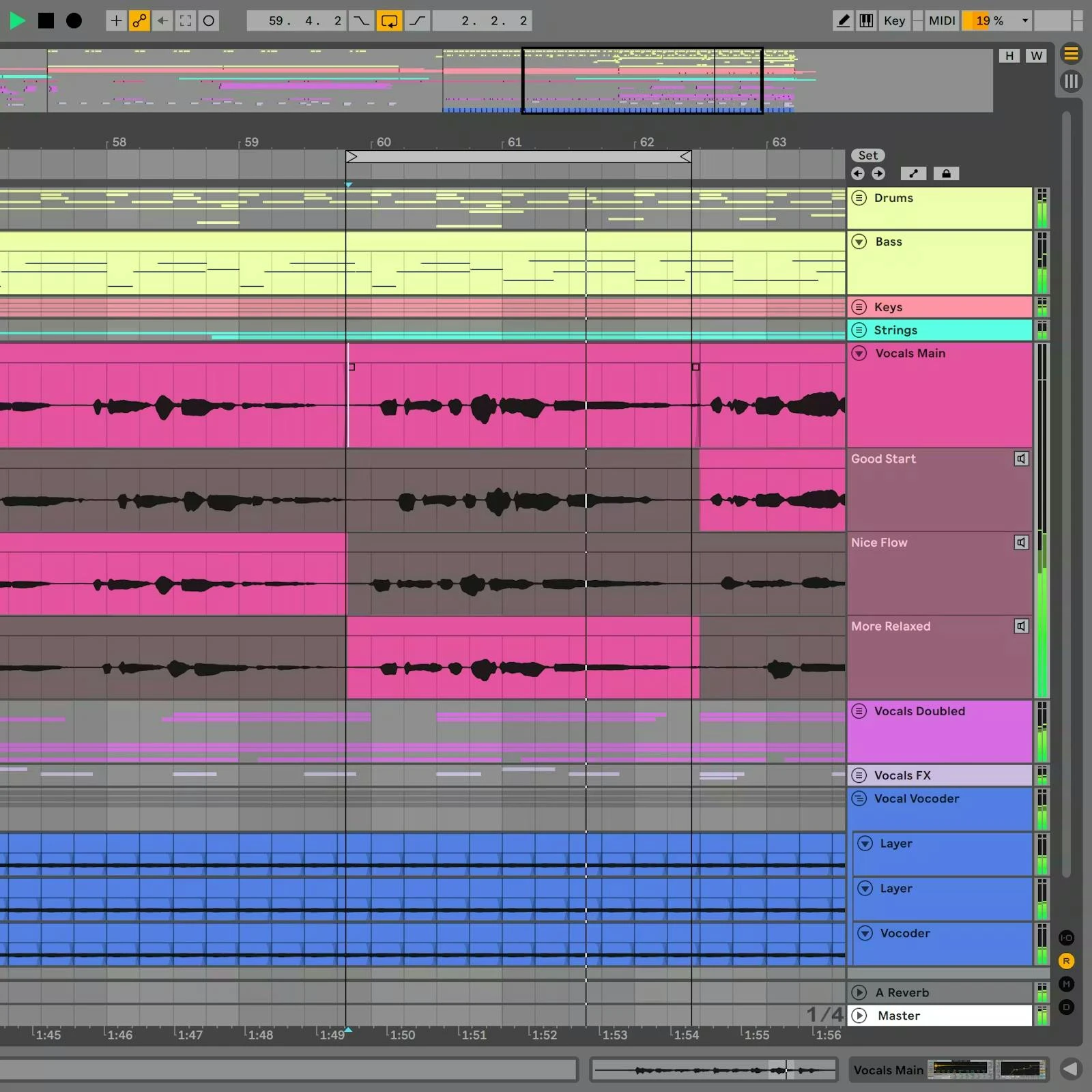
Ableton Live is a DAW for writing, recording and performing music, built around two connected ways of working. Launch audio and MIDI clips in Session View to try combinations without committing to a song structure, then record those decisions into Arrangement View and edit them along a timeline.
From loops to a finished arrangement
Session View suits producers and performers who want to test a bass line against different drums, launch a group of clips as a scene, or change sections during a set. You can capture that performance in Arrangement View, add recorded instruments or vocals, edit automation and build the mix.
Warping adjusts audio timing to the project tempo. That makes it useful for combining loops recorded at different speeds, tightening a performance or deliberately stretching a sample. MIDI mapping lets a controller trigger clips and adjust device parameters. Push offers a dedicated hardware workflow, but it is a separate purchase.
Useful features
- Record audio and MIDI, then combine sections from multiple takes with comping.
- Recall a played phrase with Capture MIDI when you were not recording.
- Layer instruments and effects in Racks, with Macro controls for changing several parameters together.
- Edit note timing, velocity and probability, including expressive performances from MPE controllers.
- Find related samples and instrument presets with Sound Similarity Search and organise sounds with browser tags.
- Extend Suite with Max for Live instruments, effects and custom devices. Suite also includes stem separation.
Editions and setup
Live 12 runs on macOS and Windows and requires at least 8 GB RAM. Intel and AMD Windows processors must support AVX2. The sound library needs additional storage beyond the application. Check Ableton's current system requirements and your audio-interface drivers before upgrading a studio computer.
Live hosts VST2 and VST3 plugins, plus Audio Units on macOS. Included instruments, effects and sounds vary by edition.
Intro limits a set to 16 audio and MIDI tracks combined and 16 scenes. Standard and Suite remove those limits. Suite bundles Max for Live and a larger instrument, effect and sound collection. Check the edition comparison against the devices you need before buying.
Live is paid software, with a rent-to-own option for Suite. The 30-day Suite trial supports saving and exporting and requires an Ableton account. After it expires, you can open trial sets, but saving and exporting are disabled until you buy a licence.
Screenshots
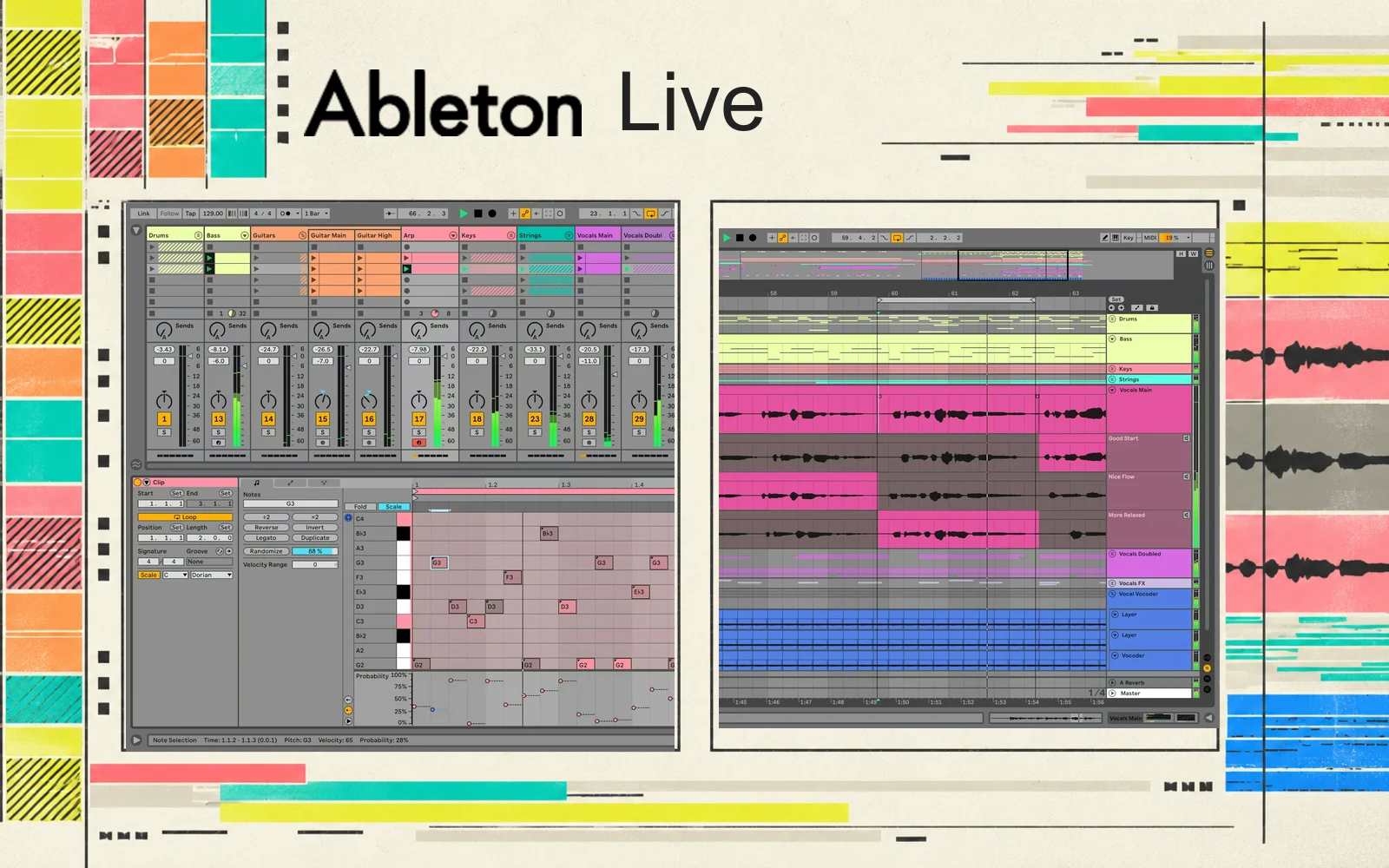
Official Ableton screenshots showing Session View with its MIDI editor, and Arrangement View with vocal take lanes. These are developer-provided images.
Alternatives to Ableton Live
- Bitwig Studio: A close match for moving between clip improvisation and a timeline. Consider it for its modulation system and modular Grid sound design, or when you need Linux support. This link goes to Bitwig's official website.
- FL Studio: For building electronic tracks through patterns, a piano roll and Playlist arrangement. Its paid licences include Lifetime Free Updates, with additional plugins and higher editions sold separately.
- Logic Pro: For Mac users combining loop experimentation with recording and vocal editing. Live Loops provides a triggerable grid, while take comping and Flex Pitch support recorded performances.