What it does
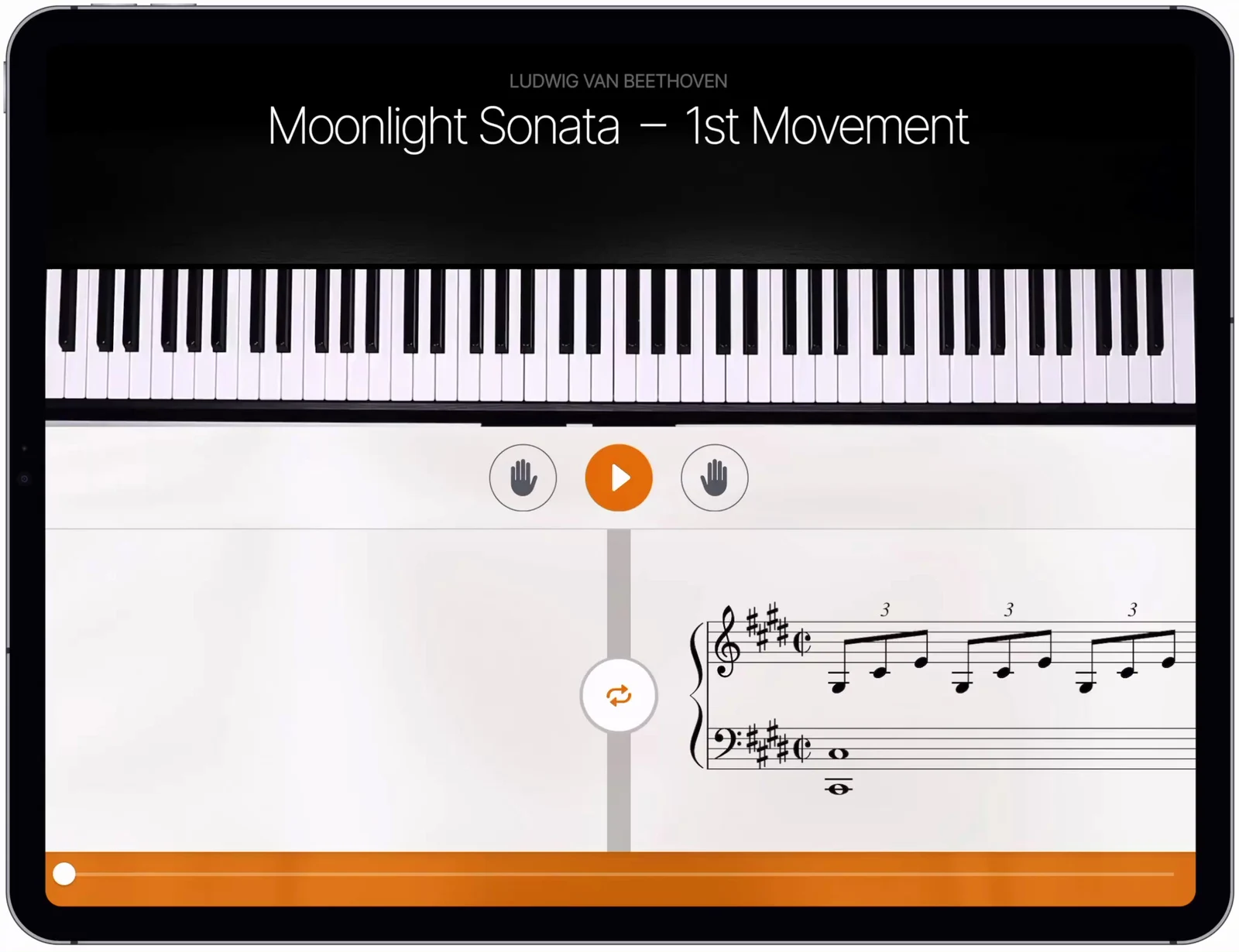
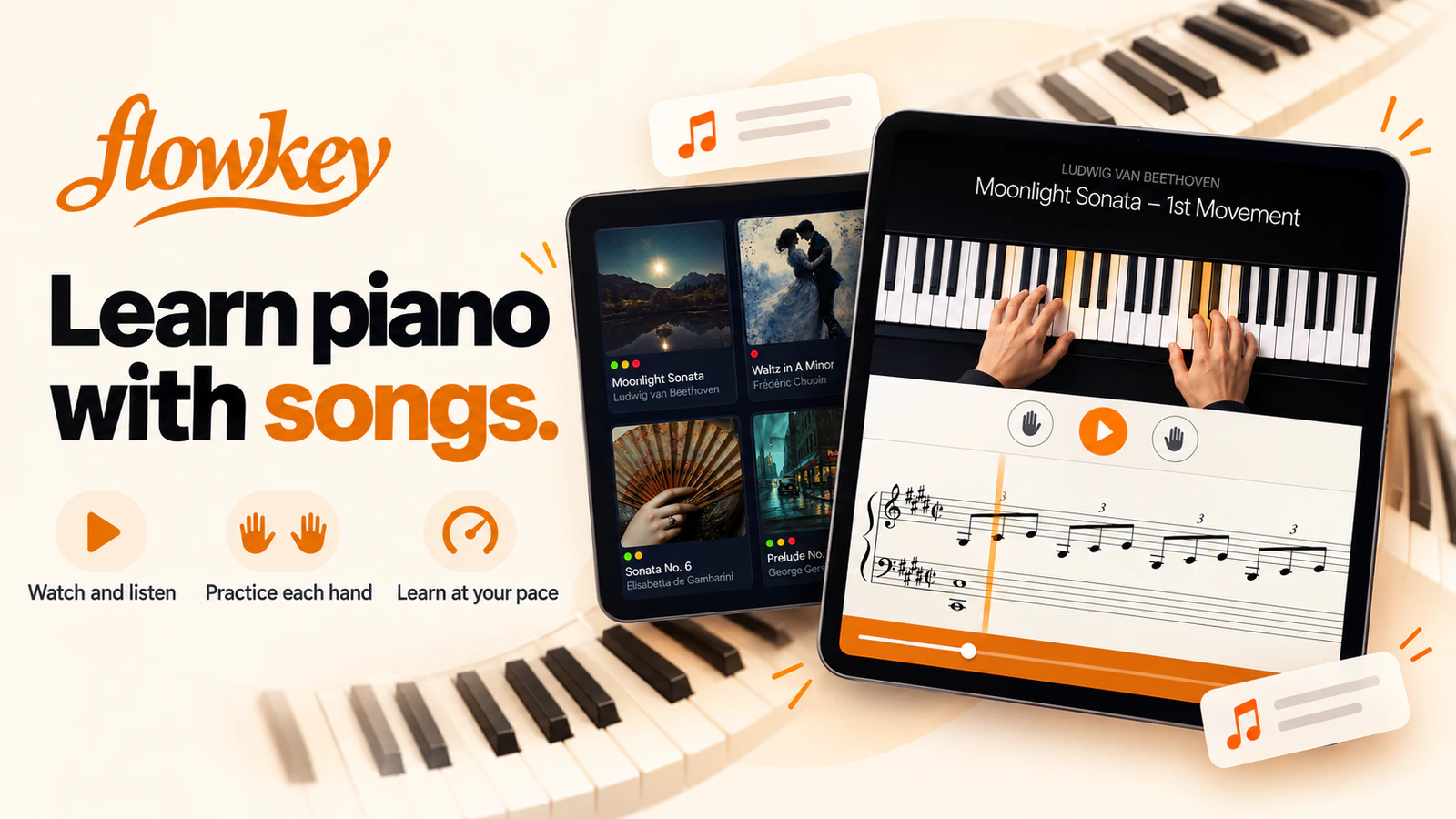
flowkey is a piano-learning app that puts a performance video and sheet music on the same screen, then listens as you play. It suits beginners and returning players who want to learn songs without giving up structured lessons in reading, chords, technique and two-hand coordination.
How it works
Choose a song or course, put your phone, tablet or laptop beside the piano, and start playing. Wait Mode pauses the score until flowkey hears the expected notes. You can slow the performance, loop a difficult passage and practise the right or left hand separately before joining them together.
- Follow an overhead pianist video alongside scrolling notation
- Get note feedback through a device microphone or MIDI connection
- Use Wait Mode to stop the score until you play the right notes
- Slow songs down and loop short sections instead of restarting the whole piece
- Work through courses covering notation, chords, technique and playing with both hands
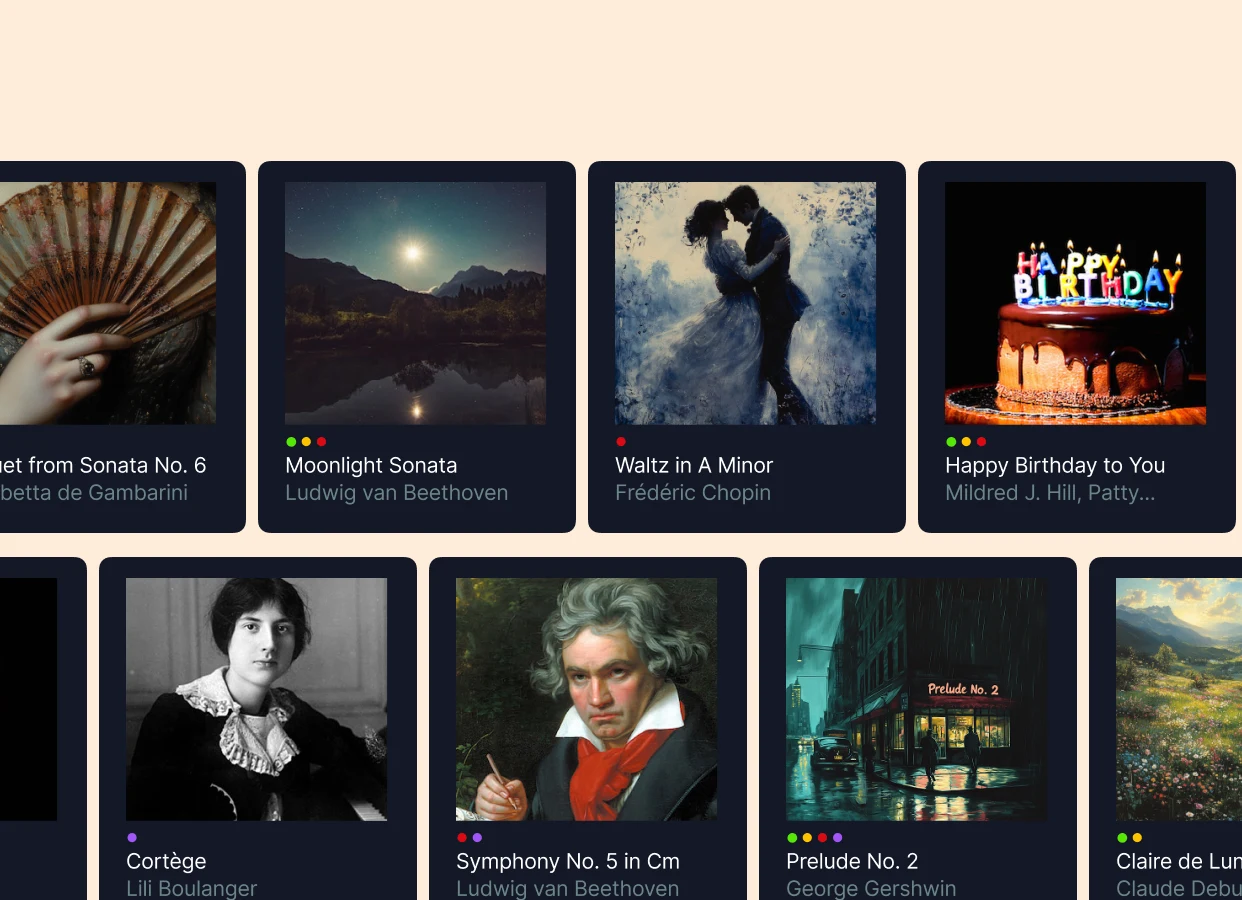
- Browse songs by genre and difficulty, with separate arrangements for different levels
Devices and setup
flowkey runs in a browser and has iOS and Android apps. An acoustic piano works through the device microphone. A digital piano or keyboard can connect over USB MIDI or MIDI-to-USB, which is the better option when background noise causes missed notes. Browser-based MIDI works best in Chrome or a current Chromium browser. Safari and Firefox are limited to microphone detection.
Free and paid access
The free account is not a short demo. You can keep using a small selection of songs and course lessons, with the learning tools left available. Paid plans open more material. Classic covers all courses plus classical and public-domain pieces. Premium adds the wider pop, rock, jazz, film, TV and game catalogue. The Family plan adds separate profiles for up to five people.
Annual trials turn into paid annual subscriptions unless you cancel before the renewal deadline. Check the checkout screen rather than relying on an old price quoted elsewhere.
What to watch
The app can tell whether it heard the expected note. It cannot see your fingering, posture, wrist tension or tone in the way a teacher can. Microphone recognition also depends on a reasonably quiet room and an acoustic piano tuned close to standard pitch. It works well for guided practice, but it is not a complete replacement for technical feedback from a teacher.
Alternatives to flowkey
Simply Piano is a more tightly guided, mobile-first option for beginners who want a linear course path and frequent prompts.
Yousician uses more obvious scoring and game mechanics, and it covers several instruments as well as piano. Pick it if streaks, levels and a broader instrument catalogue matter more than flowkey's video-and-score lesson view.
Screenshot