
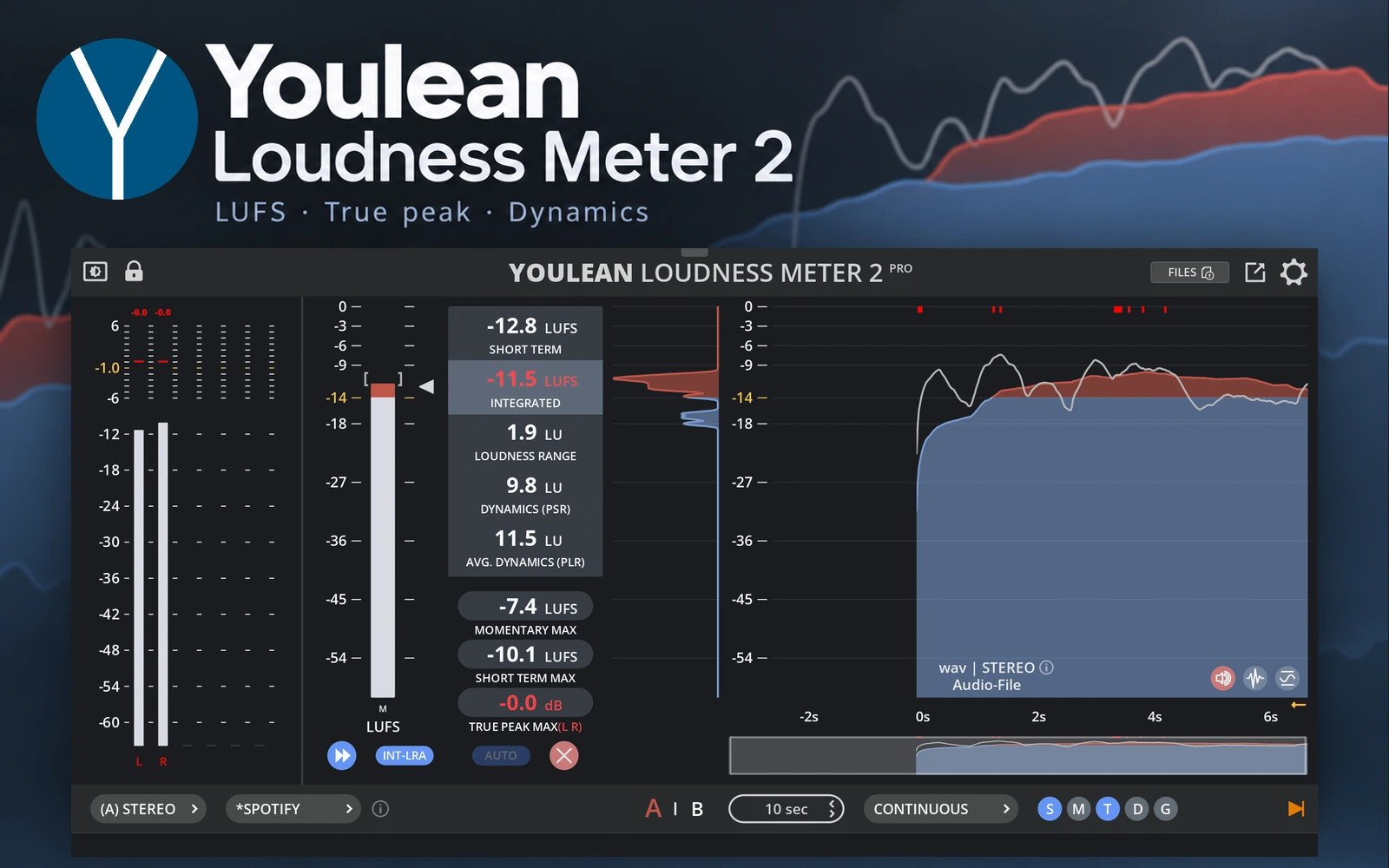
What it does
Youlean Loudness Meter 2 measures loudness, true peaks and dynamics in a DAW or standalone desktop app. It helps musicians, producers and audio editors check a mix or finished programme before delivery. The free edition covers ongoing metering, while Pro adds file analysis, normalization and reporting tools.
Check the mix as it plays
Insert the meter at the end of your master processing chain and play the audio through it. Watch short passages as you work, or measure the complete track to see its overall loudness. Check that any gain changes after the meter are included in your final delivery measurements.
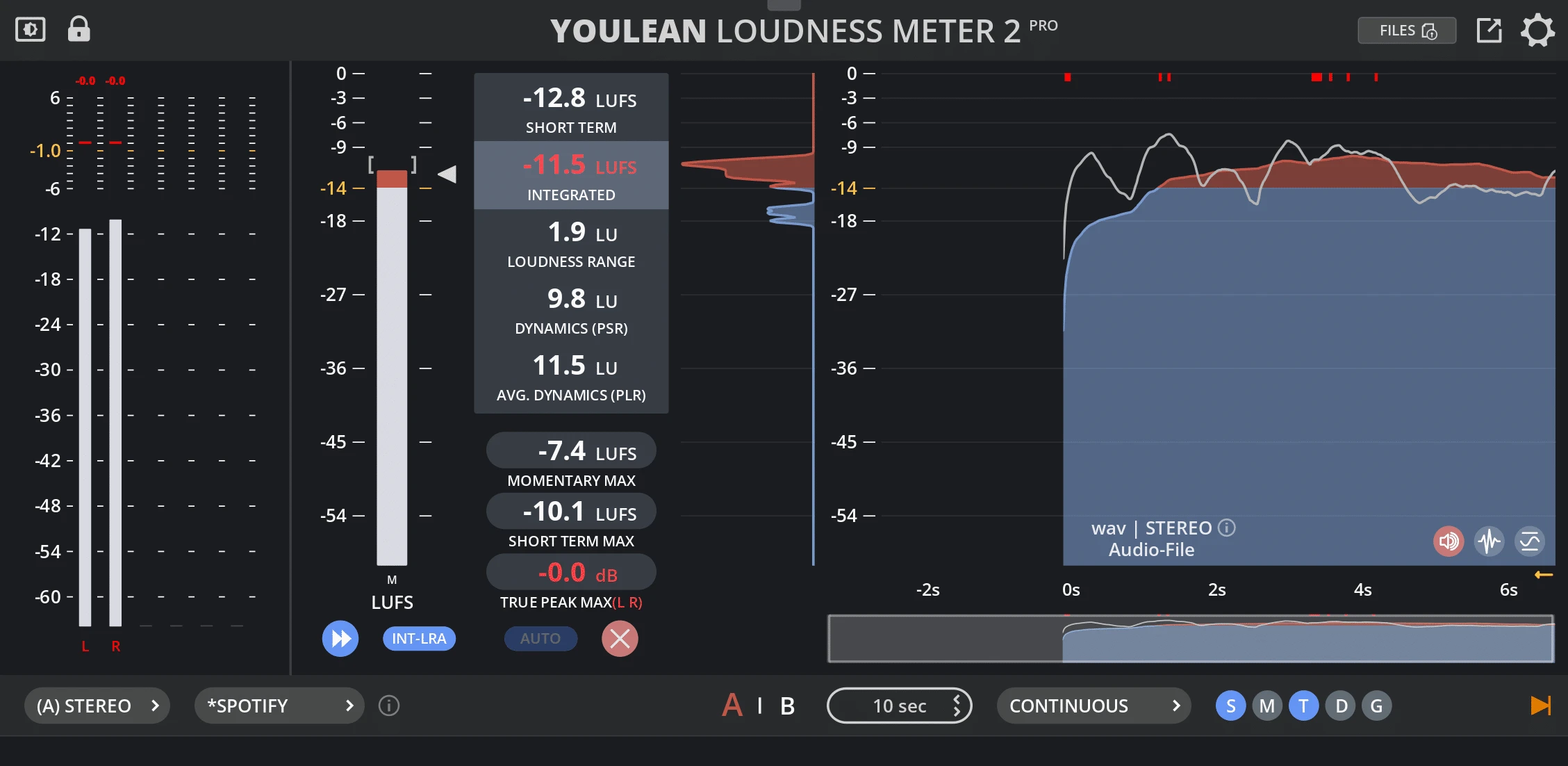
- Read momentary, short-term and integrated loudness alongside true-peak levels.
- Track loudness range and dynamics to compare quiet and loud sections.
- Use the history graph to find level changes across the timeline.
- Resize the interface or switch to a compact view to keep it visible beside your session.
- Use film, TV and gaming presets in the free edition. Pro adds streaming and custom presets.
Free metering or Pro file processing
The free version never expires. It includes the standalone app and plugins, with mono, stereo and 5.1 metering.
Pro is a one-time purchase with lifetime free updates. It adds drag-and-drop file analysis and normalization, a dynamics graph, report exports and a command-line tool. The current manual also lists dialogue-gated measurements and channel layouts through 7.1.4 Dolby Atmos as Pro features.
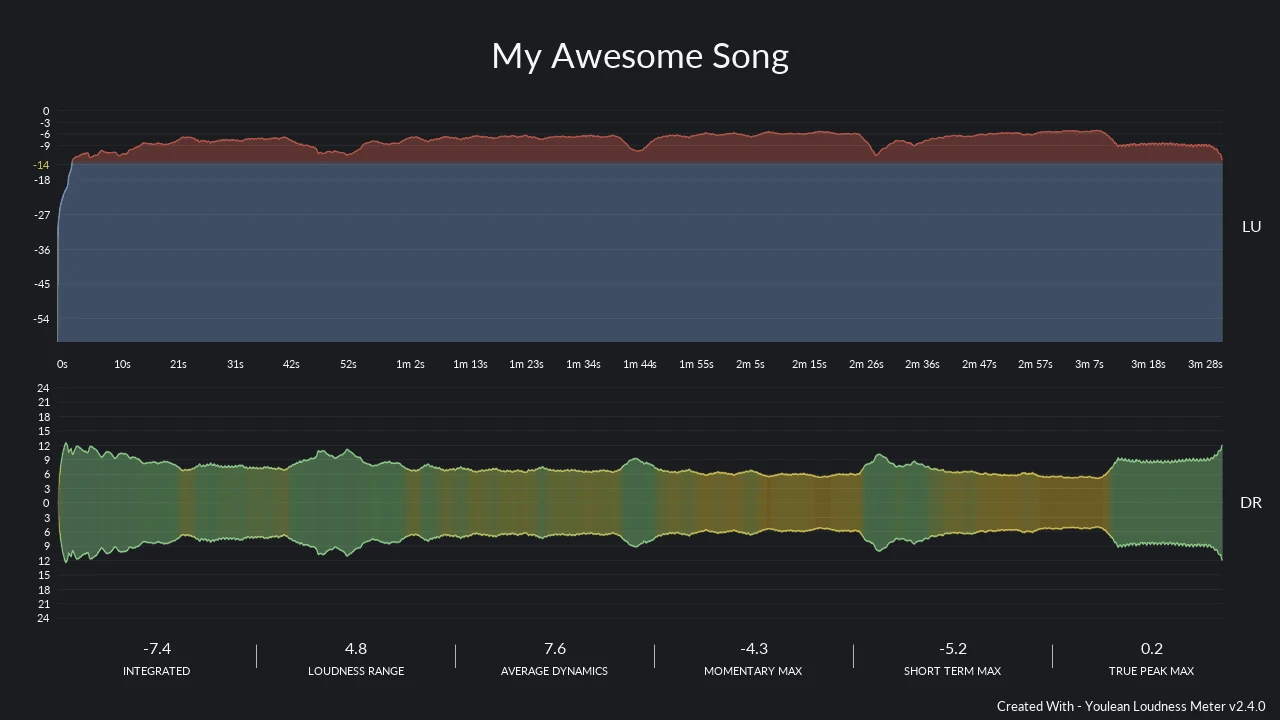
The standalone app processes one file at a time. For repeated or folder-based jobs, use Pro's command-line workflow. Pro can export reports in formats including PDF, SVG and CSV, and normalize a file to a selected loudness target. Real-time metering and file normalization are separate workflows.
Compatibility and setup
The desktop product supports Windows and macOS, including Apple Silicon and Intel Macs. Windows builds support 64-bit Intel/AMD and ARM64. Plugin formats are VST2, VST3 and AAX on Windows, with AU also available on macOS. Check the current installer and your DAW's format support before installing.
This listing covers the desktop product. Youlean's browser meters and iOS Loudness Meter LITE are separate tools.
Product views
The main image is an editorial composition using the official interface and logo. Developer-provided images show the Pro interface and an example exported report. The report image comes from an older version and illustrates the reporting workflow.
Alternatives to Youlean Loudness Meter
These links go to the developers' official sites.
- dpMeter5 is a free alternative for RMS, EBU R128, dialogue-gated and true-peak metering. Consider it when you want a DAW meter with loudness matching and measurement results that can be recorded as automation.
- iZotope Insight 2 combines loudness metering with a spectrogram, sound-field display and dialogue-intelligibility tools. It suits sessions where loudness is one part of a wider mix-analysis job.
- NUGEN Audio VisLM focuses on broadcast and post-production metering. Its timecode-linked loudness history and navigable alerts are useful when revisions need to be checked against a programme timeline.