
What it does
VoiceAssist is an AI-assisted vocal and dialogue editor that analyses a complete recording before making changes. It can level uneven phrases, quiet breaths and sibilance, clean pauses and, in Advanced, reduce noise, room reverb, plosives and mouth clicks. Every detected region remains visible on the waveform and can be adjusted by hand.
Analyse the take, then edit the result
Load VoiceAssist on a vocal or dialogue track and let it read the recording. A supported ARA host gives it direct access to the clip. Other DAWs use Transfer Mode, which records the audio into the plugin. Results appear across the waveform, where you can change individual regions or draw adjustments through a problem passage.
What it handles
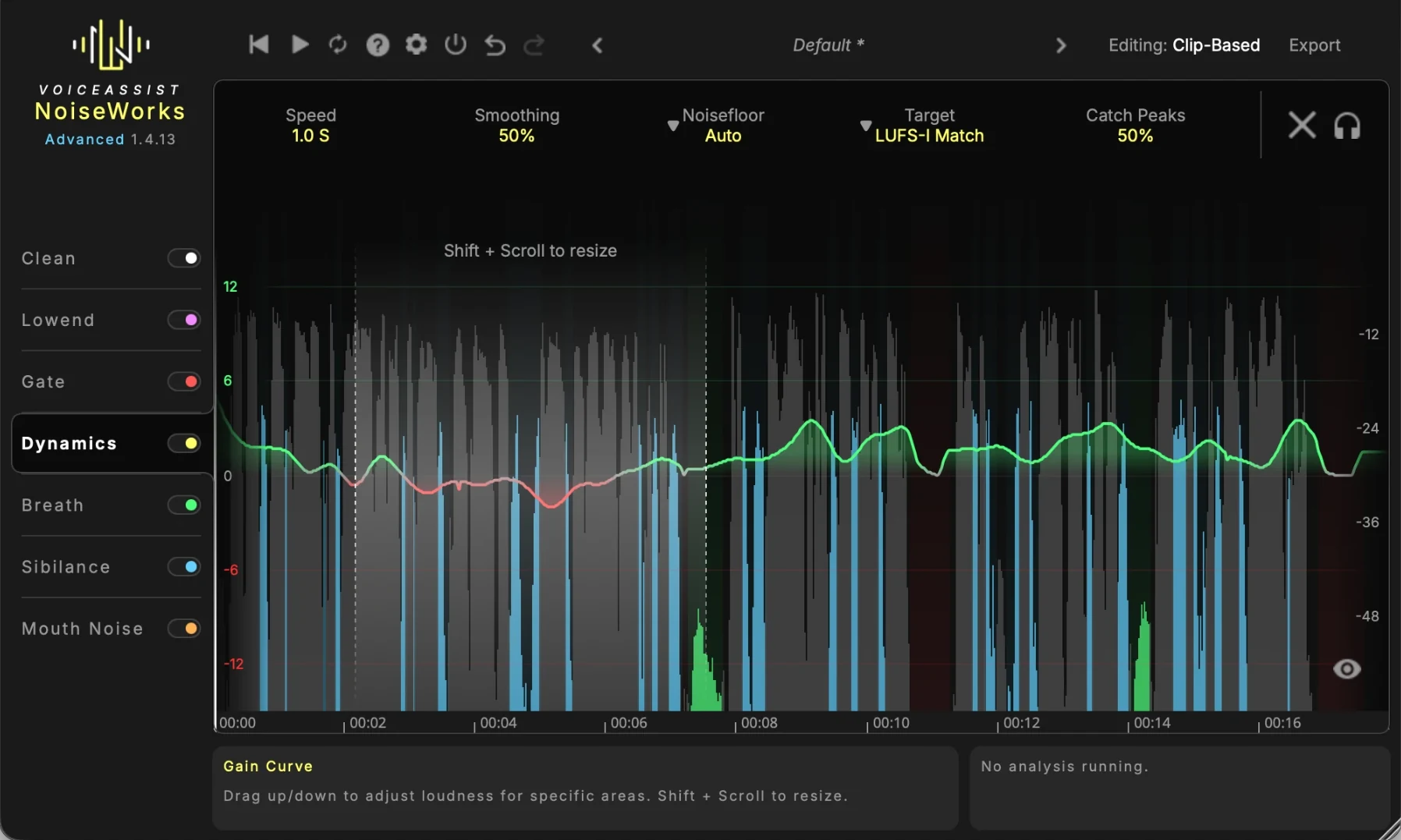
- Dynamics writes an editable gain curve towards a LUFS target while accounting for the rest of the take.
- Gate finds pauses between words and reduces the unwanted sound without relying only on a fixed threshold.
- Breath turns detected breaths down region by region rather than cutting them from the recording.
- Sibilance targets harsh consonants spectrally, with separate regions that remain editable.
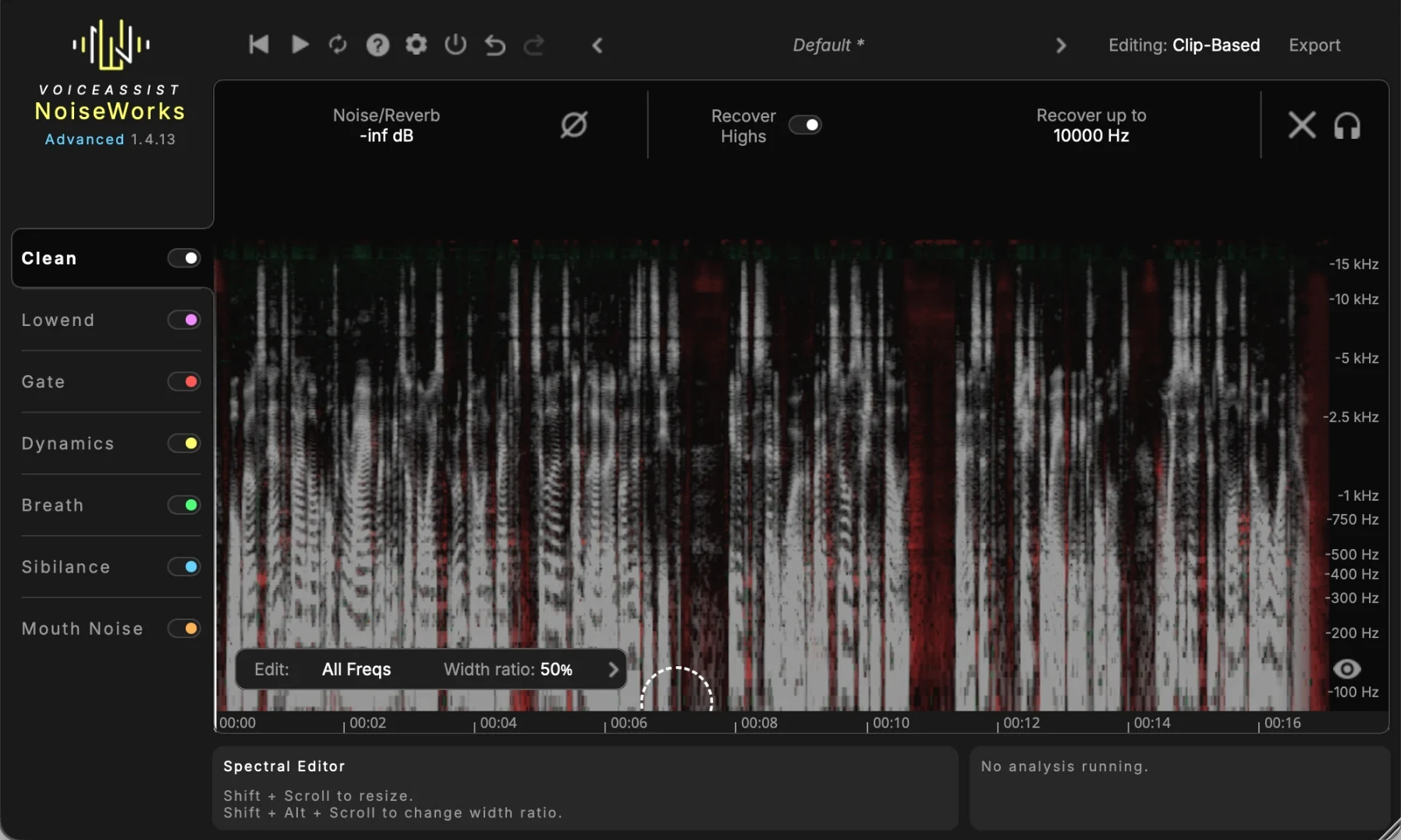
- Clean reduces background noise and room reverb, adds high-frequency recovery and includes a spectral editor.
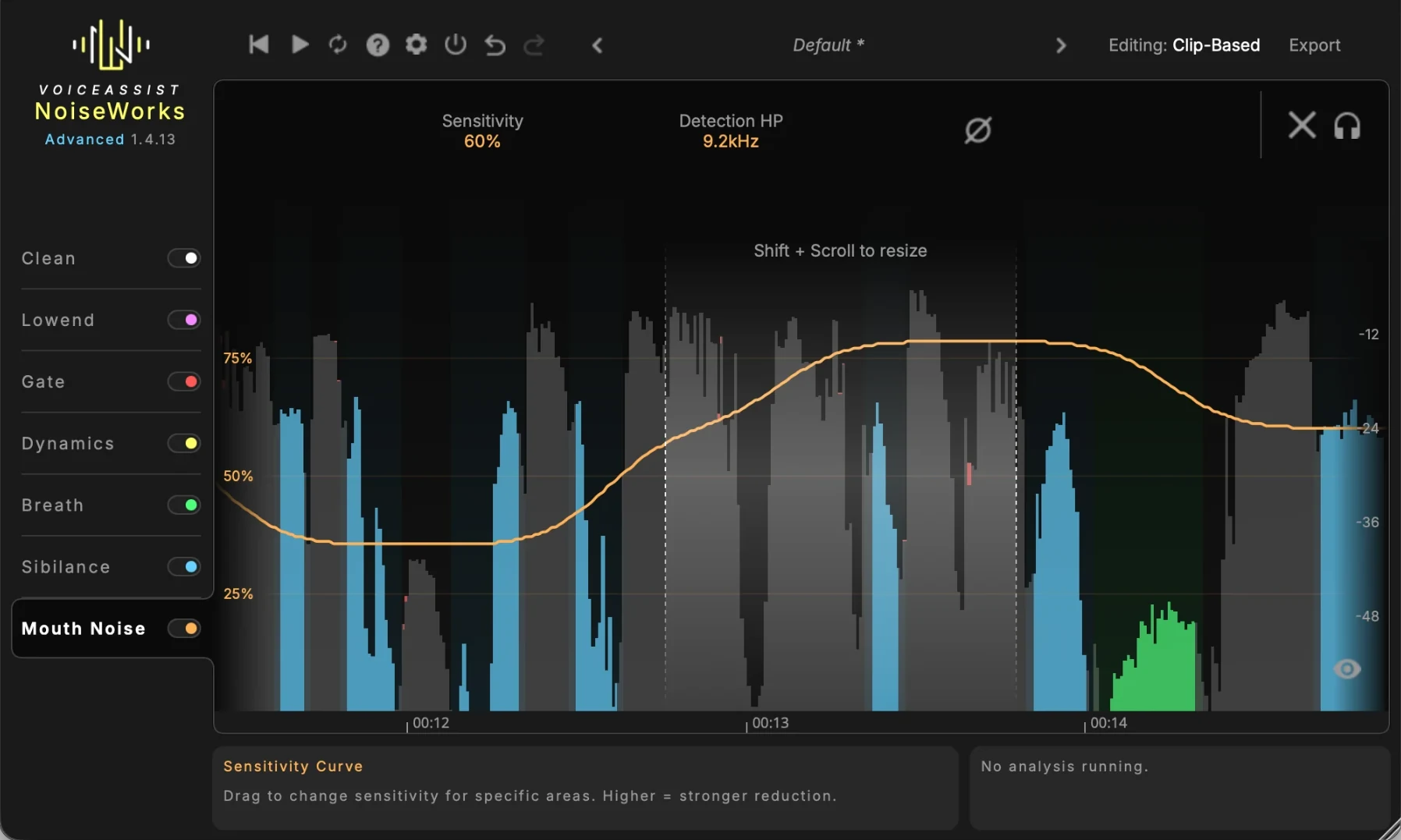
- Lowend and Mouth Noise deal with plosives, narrow low-frequency resonances, lip smacks and clicks.
Editions and setup
Basic contains the Dynamics section. Standard adds Gate, Breath and Sibilance. Advanced adds Clean, Lowend, Mouth Noise, spectral editing and a standalone application. The editions are sold as one-time licences, with an optional rent-to-own route for Advanced and a 14-day trial of the complete edition.
The plugin runs as VST3, AU and AAX on Apple Silicon Macs and 64-bit Windows. ARA support includes recent versions of Pro Tools, Cubase, Nuendo, Studio One, Reaper, LUNA, Samplitude and Sequoia. Logic Pro uses ARA through Rosetta. Ableton Live, FL Studio and Bitwig use Transfer Mode. Processing happens locally. The standard licence covers two computers, while Advanced can also use iLok.
Check the computer requirements
VoiceAssist requires 16 GB of RAM. Windows needs a dedicated NVIDIA or AMD graphics card, with at least 6 GB of VRAM recommended. Integrated Intel graphics are not supported. Mac support starts with Apple Silicon and macOS 13.
The standalone application belongs to Advanced. Premiere Pro, DaVinci Resolve and Final Cut Pro do not host VoiceAssist directly, so video work requires processing the file separately and importing it back.
Product views
Alternatives to VoiceAssist
iZotope RX 11 covers a wider range of repair work beyond voice recordings. Choose it for damaged music, dialogue and location audio rather than a voice-focused workflow.
Supertone Clear separates voice from ambience and reverb in real time. It uses three main controls rather than offline analysis with editable breath, sibilance and noise regions.
Accentize dxRevive restores dialogue, including band-limited and codec-damaged speech. Its Pro edition adds several algorithms and spectral focus controls.
Screenshot