
What it does
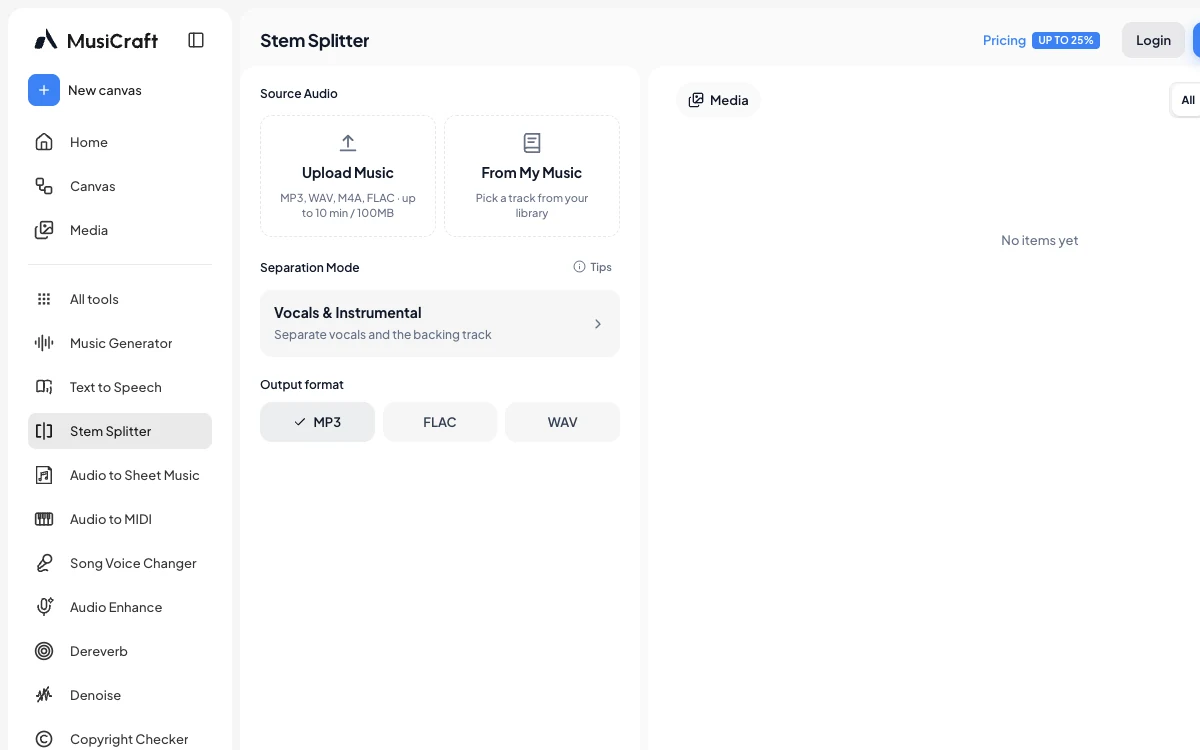
MusiCraft Stem Splitter is a browser-based separator for pulling vocals, drums, bass and individual instruments from a finished recording. Its unusually broad mode list covers standard two-, four- and six-stem jobs as well as SATB choir, drum-kit parts, lead and rhythm guitar, orchestral instruments, and speech, music and effects.
Choose the split before you run it
Upload an MP3, WAV, M4A or FLAC file, pick a separation mode, then choose MP3, FLAC or WAV output. Each run costs five credits per minute of source audio. The current upload limit is 10 minutes or 100MB, which makes this better suited to songs and short-form audio than long recordings.
The 75 modes go well beyond a basic vocal remover. Useful groups include:
- vocals and instrumental, four stems, six stems, and an eight-part Full Band split;
- lead and backing vocals, male and female singers, SATB choir, and crowd vocals;
- kick, snare, hi-hat, toms, cymbals, and other percussion;
- lead and rhythm guitar, acoustic and electric guitar, several bass types, and common keyboards;
- orchestral strings, brass, woodwinds, dialogue, music, and sound effects.
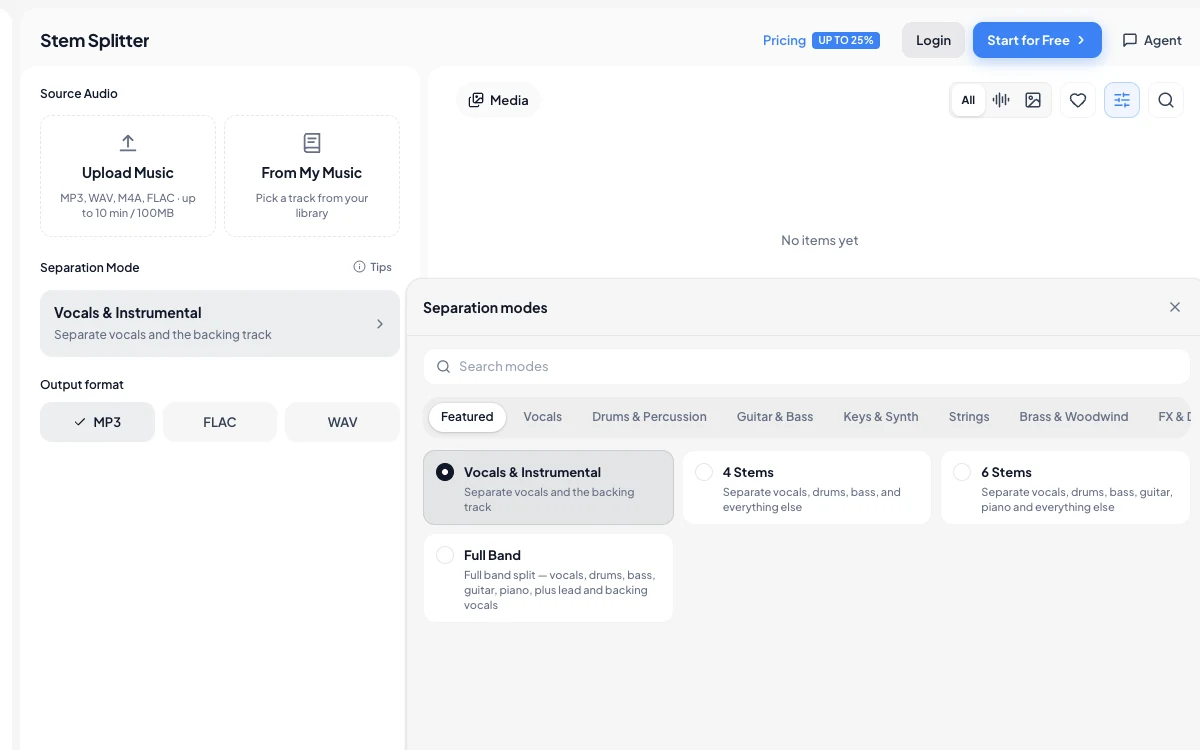
The result player lets you solo and mute parts before downloading. That is handy when you are deciding whether a split is clean enough for a remix, practice track, transcription or repair job.
The free account is a test, not a working free tier
MusiCraft gives free accounts 50 monthly credits and two advanced-tool runs, but downloads are locked. A paid plan is therefore required if you want to keep the stems. Basic adds downloadable MP3 stems, while higher plans increase run allowances. Lossless WAV and FLAC downloads sit on the Studio and Business tiers.
Commercial use also depends on the plan and, more importantly, your rights to the source recording. Separating a copyrighted song does not give you permission to reuse its vocal, instrumental or individual parts.
Expect the source file to matter
MusiCraft itself warns that clipped or heavily compressed masters can produce weaker results. Live recordings are also difficult because microphone bleed and crowd noise are already mixed into the performance. Pick a mode that matches instruments you can clearly hear; a niche model cannot recover a part that is buried or absent.
Uploads are processed remotely by MusiCraft and its infrastructure providers. The service is not an archive, so keep your own copy and avoid uploading confidential audio or material you do not have permission to process.
Alternatives to MusiCraft Stem Splitter
LALAL.AI is a more focused separation service with browser, desktop and mobile options. Moises combines stem separation with practice tools such as tempo, key and chord controls. If you would rather process files locally, Ultimate Vocal Remover is a free, open-source desktop option, though it takes more setup and uses your own computer for processing.
Screenshot