What it does
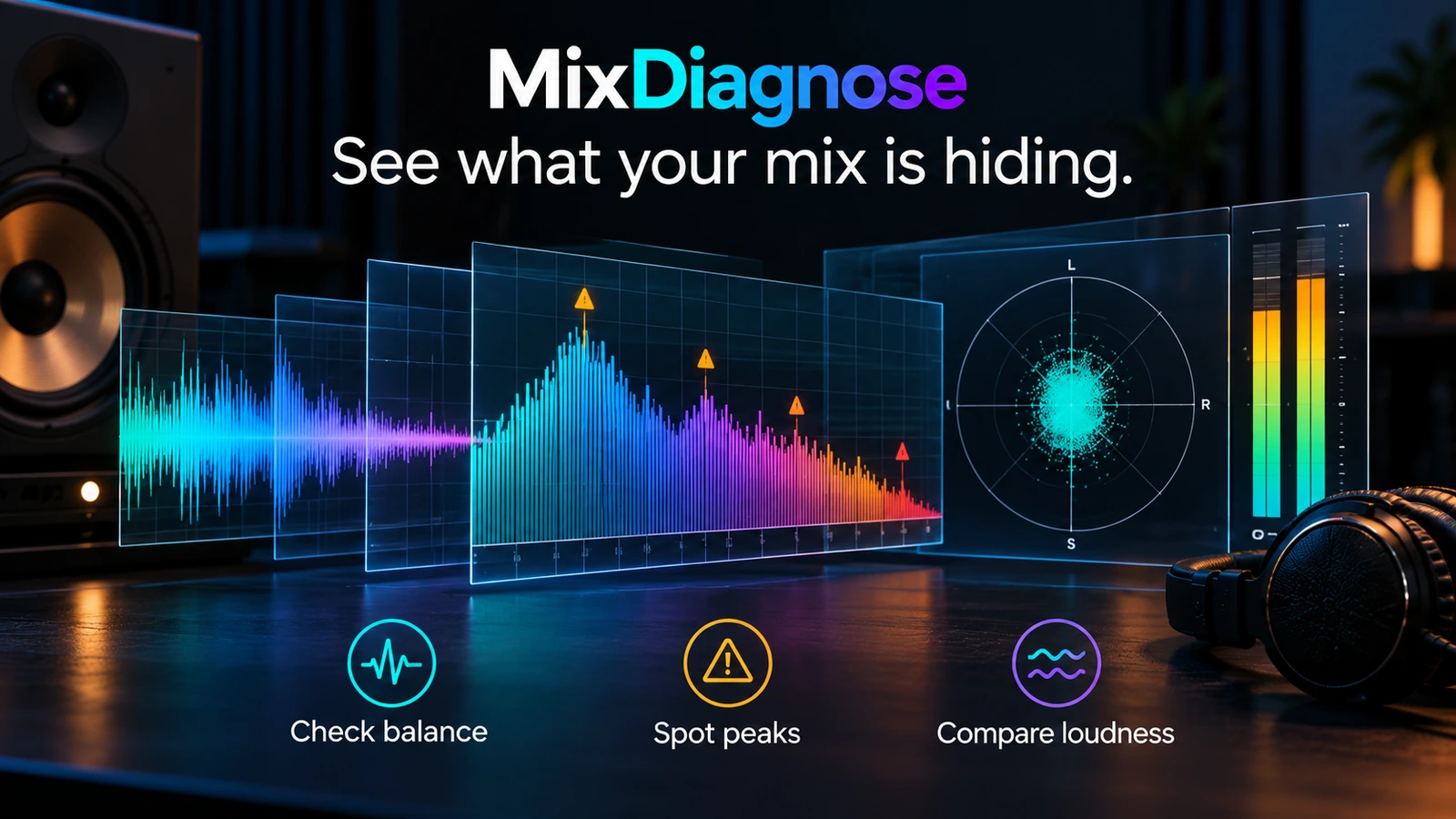
MixDiagnose is a browser-based mix checker for the stage between your final bounce and mastering. Upload a track and it measures loudness, true peak, frequency balance, dynamic range, crest factor, stereo width, and correlation. Problems are graded as Critical, Moderate, Minor, or Ideal, which helps separate faults that need attention from measurements that are already within range.
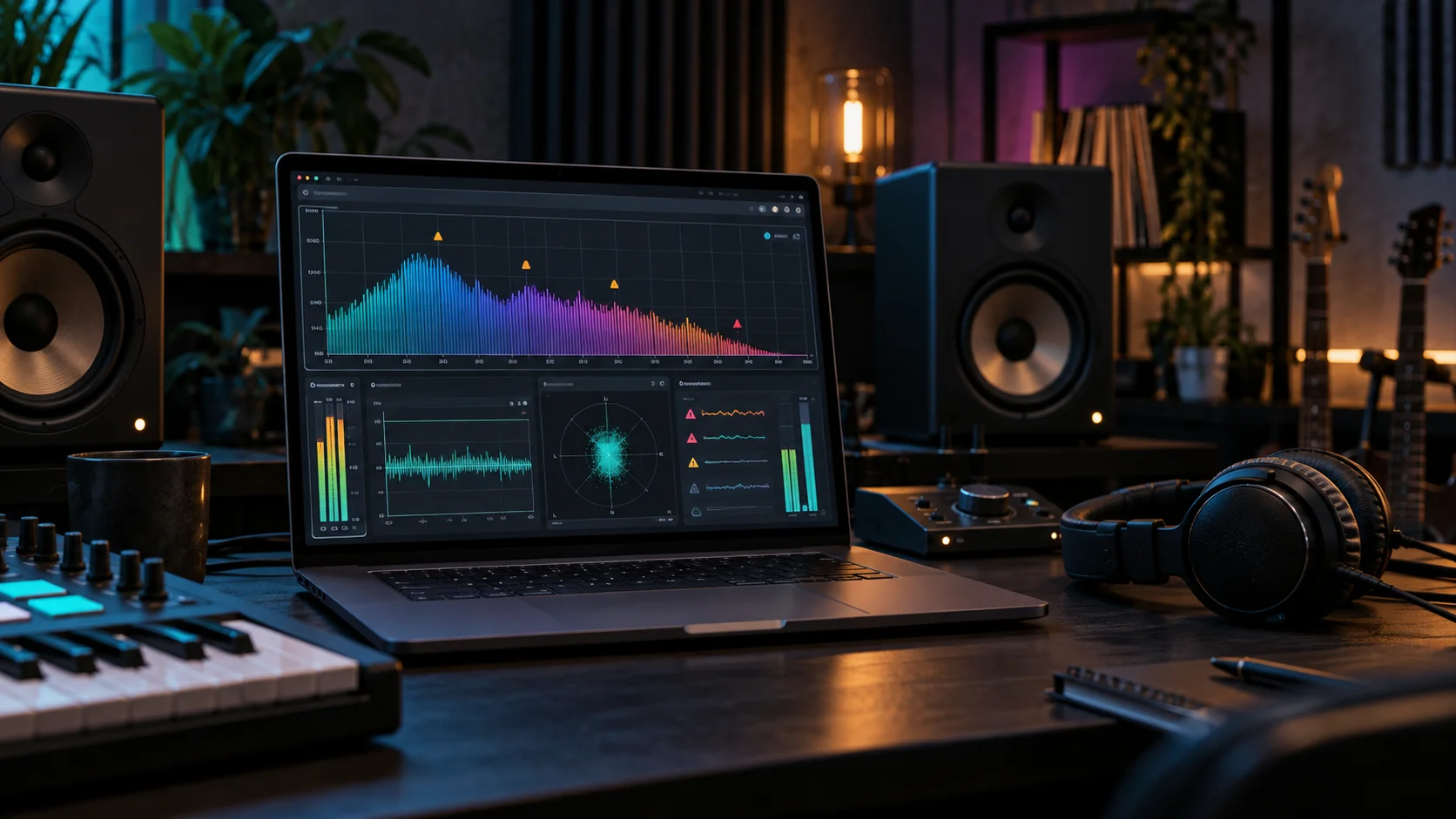
The report includes a spectrogram and frequency plot alongside the measurements. It can also check loudness against streaming-platform targets. Reference-track matching is available on the Pro plan, where you can compare your mix's spectral profile with another track rather than relying only on a general target.
This is not an automated mastering service. MixDiagnose is meant to find technical problems before you pay for mastering or start limiting the track yourself. When it detects an issue, its auto-fix tool can apply corrective EQ and return a processed file. You choose which recommendations to apply. For project work, it may make more sense to recreate those EQ moves inside the mix, where you still have control over individual tracks and buses.
Everything runs in the browser, with no plugin or DAW integration to install. The documented upload formats are WAV, MP3, FLAC, M4A, and AAC. The free plan allows three full analyses and one auto-fix each month, does not require an account, and exports a 16-bit WAV. A one-time analysis pack is available, while the Producer and Pro subscriptions raise or remove the monthly limit and add features such as batch processing, PDF reports, higher-bit-depth exports, and account history.
MixDiagnose says uploaded files are processed and not stored permanently. Paid sessions are linked to your account, but the company says your audio is not shared.
The main limitation is that measurements cannot tell you what the arrangement is supposed to do. A dense low midrange may be a fault, or it may be part of the record. The service is most useful as a second check when your room, monitors, or tired ears may be hiding something. It gives you specific values to investigate without pretending that a score can replace listening.
Pros and cons
| MixDiagnose: Pros | Cons |
|---|---|
| Clear severity grades: Shows which measured issues need attention first. |
No DAW plugin: You need to bounce and upload each revision in a browser. |
| Useful free plan: Three analyses and one auto-fix each month. |
Measurements need context: A flagged range may be an intentional mix choice. |
| Selective fixes: Apply only the corrective-EQ changes you want. |
Best fixes happen upstream: Some problems should be solved inside the multitrack session. |
| No account to try it: The free checker works without registration or a card. |
Advanced tools cost more: Reference matching and reports sit on paid plans. |
Screenshot