
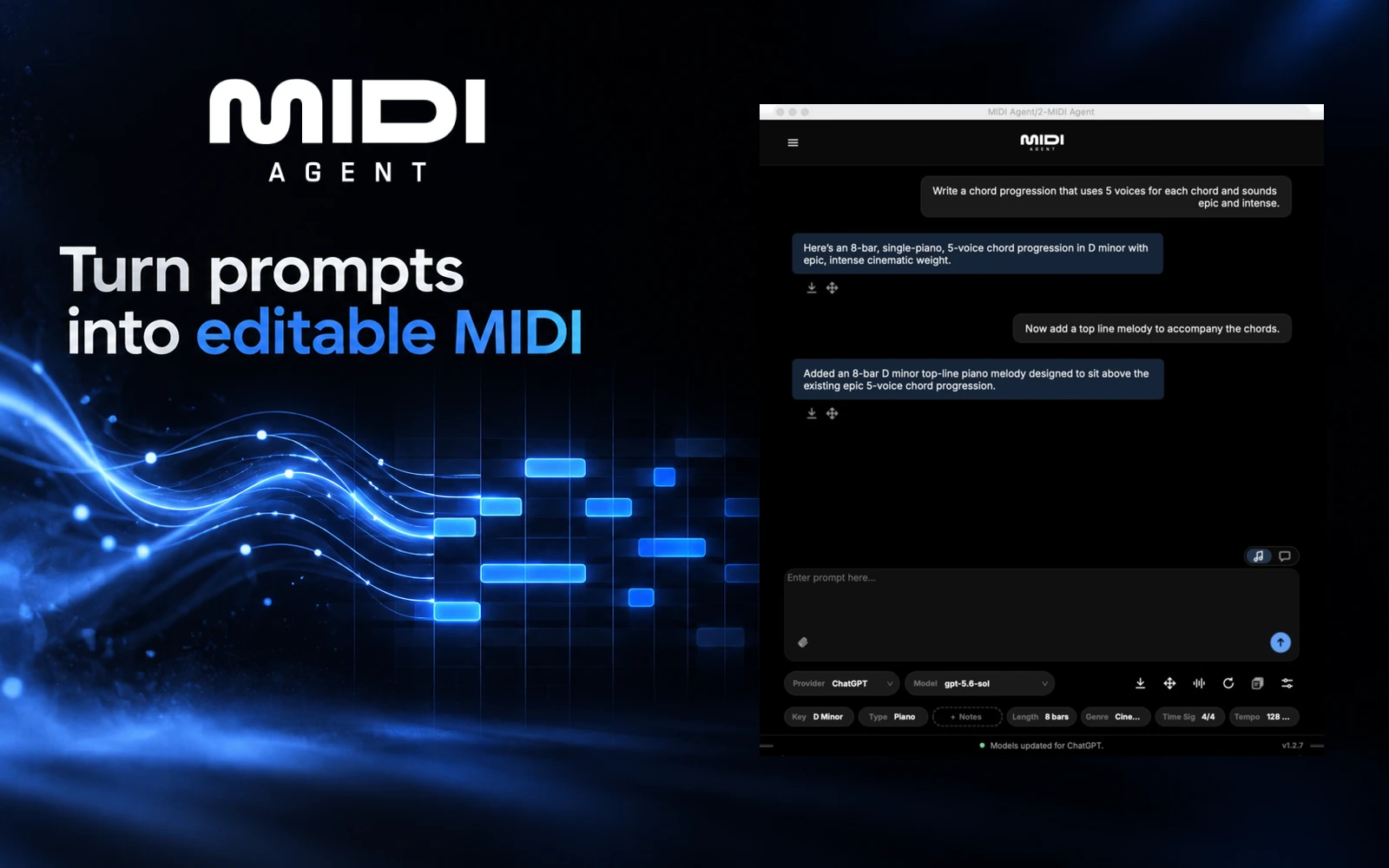
What it does
MIDI Agent generates editable melodies, chord progressions, drum patterns and basslines from text prompts. Producers can use it inside a DAW or as a standalone app, extend existing MIDI ideas and turn audio recordings into MIDI starting points for further editing.
MusicianStack offer
Get 20% off with coupon code MUSICIANSTACK at checkout. Visit MIDI Agent and use the code.
This is an affiliate link. MusicianStack may earn a commission when you buy through it.
From a prompt to a part in your track
Describe the musical part you need, choose a model and set useful parameters such as key, scale, length and tempo. Save the returned MIDI file or drag it into your session, assign an instrument and edit the notes, timing and velocities in your DAW.
- Generate a new melody, progression, bassline or drum part from a musical description.
- Attach existing MIDI to request a variation, continuation or complementary part.
- Import an audio recording for transcription, with an additional instruction-based pass where the selected model supports audio attachments.
- Choose AI access through a connected ChatGPT account, provider API keys, supported local models or the optional MIDI Agent Pro service.
- Use the standalone app when you want to develop MIDI ideas before opening a DAW.
Compatibility and AI access
MIDI Agent supports Windows and macOS, with VST3, AU on macOS, AAX for Pro Tools and standalone versions. Its published requirements list Windows 10 or later, macOS Sequoia and at least 4 GB RAM. Check the current installer requirements for your system and host.
Cloud AI services require internet access. Supported local models through Ollama or LM Studio provide an offline MIDI-generation option. Initial licence verification is online. Provider usage and account limits are separate from the plugin licence.
Licence, Pro and practical limits
The core plugin is a one-time purchase with lifetime updates. Pro is an optional subscription for managed model access, specialised models and a monthly generation allowance. It requires a plugin licence first. There is currently no free trial.
Treat the generated material as a starting point. Results depend on the prompt and model, and MIDI still needs an instrument to produce the sound you want. For audio transcription, the documentation recommends short, clear recordings and warns that dense or heavily processed mixes are more difficult. Review the notes and rhythm before building around the result.
MIDI Agent states that generated MIDI can be used personally and commercially. Connected AI providers have their own terms and data policies.
Product views
The hero is generated editorial artwork incorporating the official wordmark and an untouched interface view. The genuine developer-supplied screenshots below illustrate MIDI generation and audio-file import. They do not represent a hands-on test.
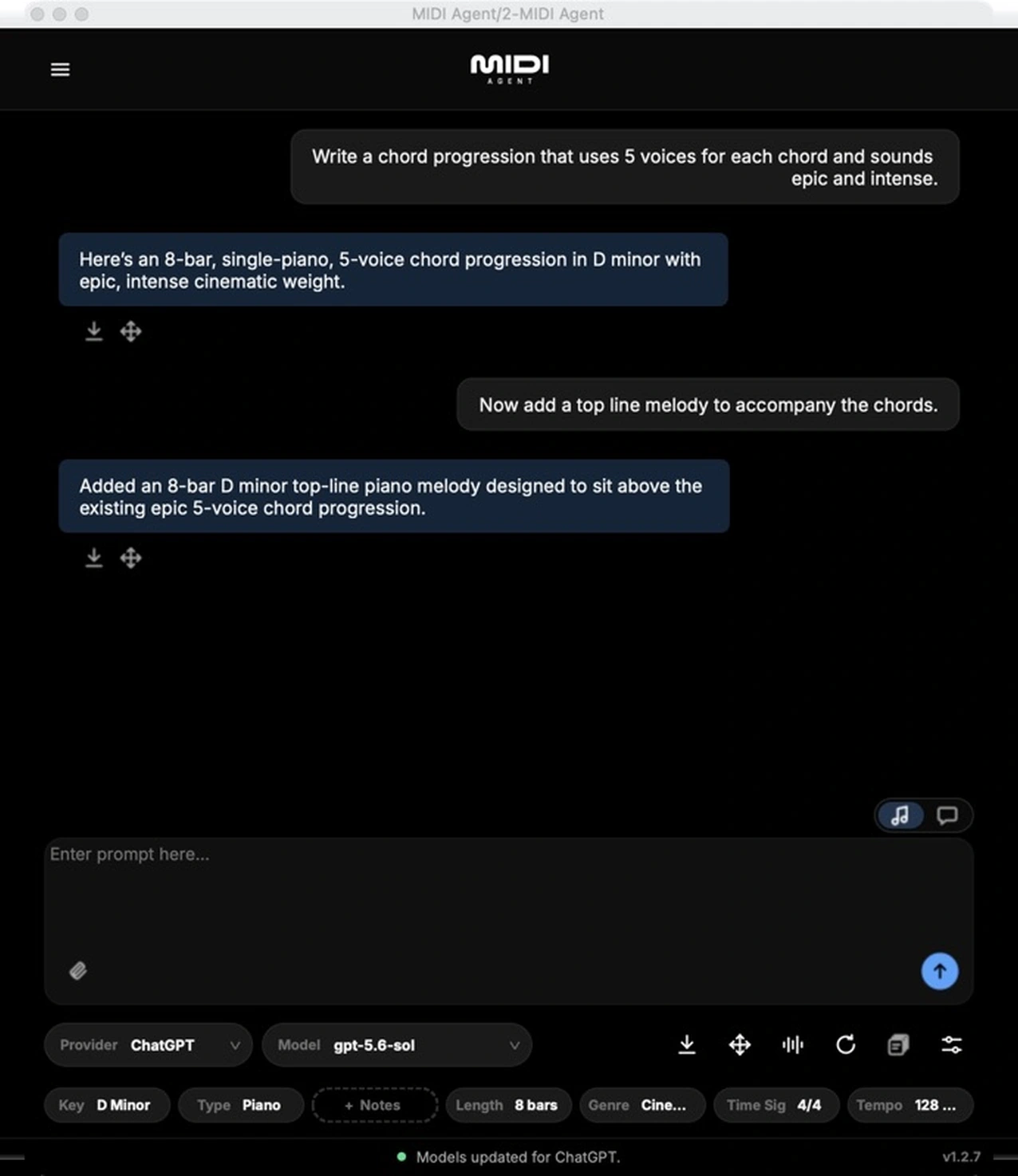
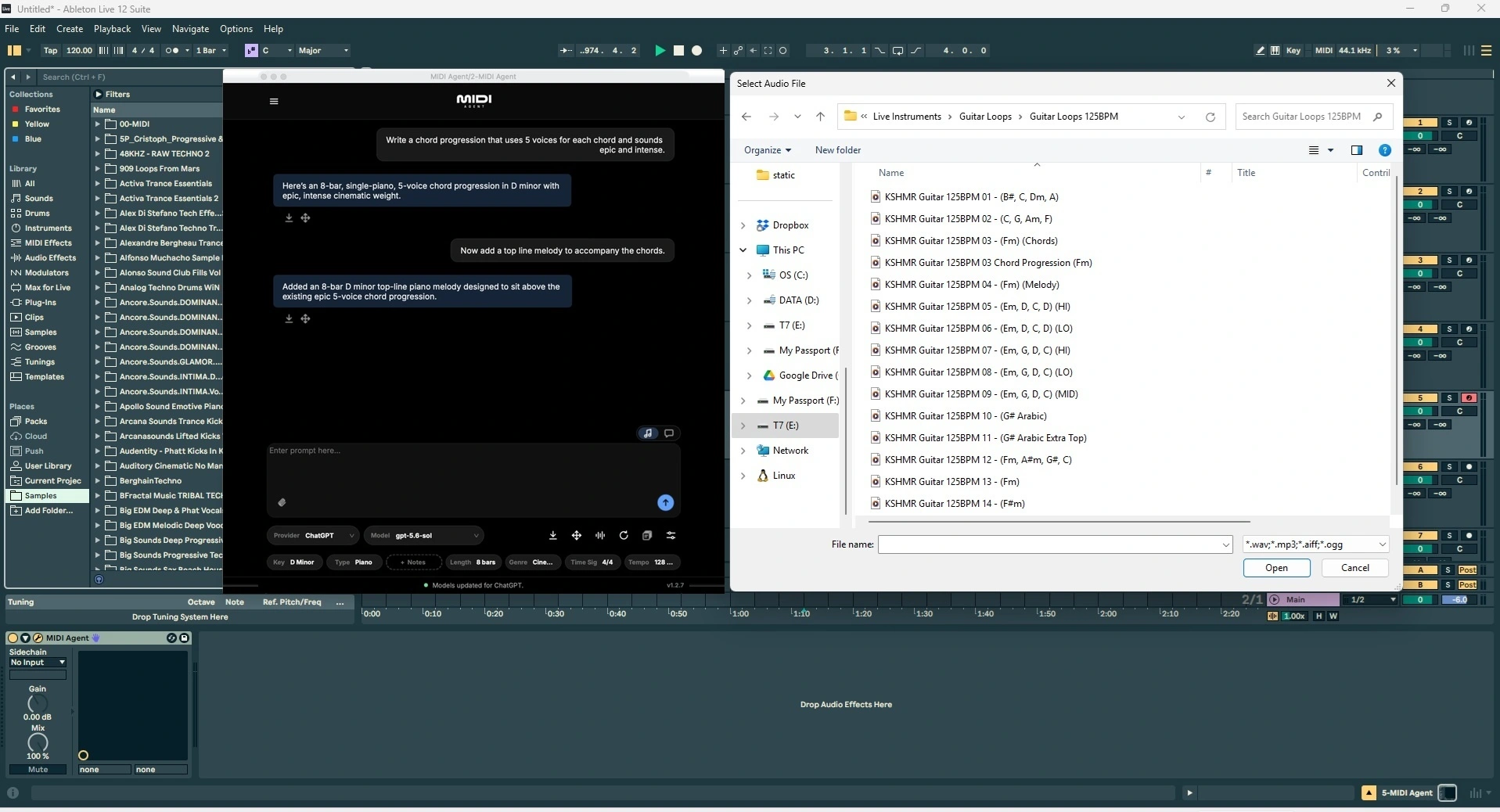
See the documentation, pricing and compatibility FAQ for current setup and access details.
Alternatives to MIDI Agent
- Staccato (official site) is a close alternative for prompt-based MIDI composition. Start with a description or your own MIDI or audio, then ask for accompaniment, rewrites or extensions.
- Lemonaide (official site) suits producers who want to generate melody and chord loops, then drag MIDI or audio into a DAW. Its Bridge connects the app to your instrument plugins for auditioning ideas through your own sounds.