
What it does
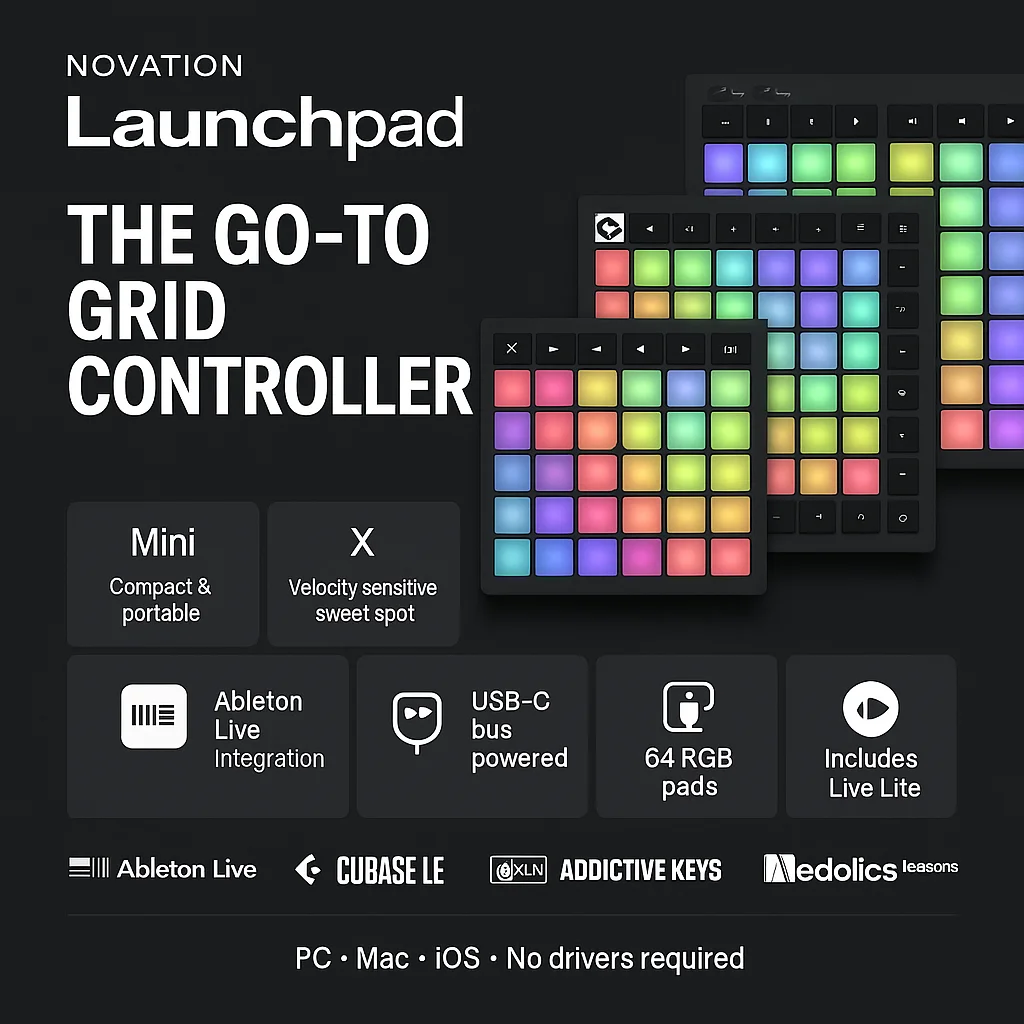
The Novation Launchpad is the grid controller that put clip launching on the map. Where most MIDI controllers organise their interface around keys or knobs, the Launchpad gives you an 8x8 matrix of RGB backlit pads that map directly onto Ableton Live's session view. Hit a pad, launch a clip. Hit a row, launch a scene. The visual feedback is instant: you can see at a glance what is queued, what is playing, and what has nothing loaded. For producers who perform live with Ableton, there is nothing more immediate.
Three current models sit at different price points and capability levels. The Launchpad Mini is the entry point: compact enough to slip into a bag, 64 colour-lit pads, basic track controls. The pads are not velocity sensitive, which limits its usefulness for playing melodics or finger drumming, but for clip launching it does the job cleanly. The Launchpad X is where most people should start. The pads are velocity and pressure sensitive, volume and pan controls are included, note and scale mode is built in, and there are four custom layout slots. It covers the majority of Ableton live performance scenarios without the Pro's added cost. The Launchpad Pro adds a standalone four-track 32-step sequencer, dedicated MIDI in and out jacks, chord mode, session recording, and eight custom layouts. You can run it from a USB power supply without a computer, which opens up hardware-only rig possibilities.
All three are class compliant over USB-C, meaning no driver installation on modern macOS or Windows. iOS is supported. They are bus-powered, so nothing beyond a cable is needed.
The software bundle included with every Launchpad is substantial: Ableton Live Lite and Cubase LE as DAWs, two Klevgrand effects plugins (a reverb and a lo-fi tape effect), XLN Audio Addictive Keys with the Steinway D grand piano, a trio of AAS synths, and 40 free interactive finger drumming lessons via Melodics. For someone starting out, this alone justifies a significant portion of the purchase price.
Ableton Live is the primary target and the integration is genuinely seamless. Clip launching, scene control, stop, solo, mute, and record arm all work out of the box with no configuration. Logic Pro is officially supported and functional. FL Studio is problematic, particularly with the Pro, where session mode and DAW control features do not work reliably. Custom MIDI mapping via Novation Components works in any DAW for basic pad-to-MIDI use.
The limitations are worth noting. There are no transport controls on any model: no dedicated play or stop button, so you rely on keyboard shortcuts for that. The Mini's non-velocity pads rule it out for anything expressive beyond clip launching. And while the Launchpad range is strong for live performance, it is not a mixing surface in the way that something like an Akai APC64 or Ableton Push is.
Pros and Cons
Novation Launchpad: Pros and Cons
| Pros | Cons |
|---|---|
| Ableton integration: Seamless clip launching; no setup required |
Ableton-centric: Reduced functionality in FL Studio and others |
| Software bundle: Live Lite, Cubase LE, instruments and effects |
No transport controls: No dedicated play or stop button |
| Class compliant: No drivers; USB-C; bus-powered |
Mini pads: Non-velocity sensitive; not expressive |
| Range: Three models covering beginner to pro |
No faders or knobs: Grid-only; no parameter sweeping while playing |
Features
- 8x8 RGB backlit pad grid across all three models
- Launchpad Mini: compact form factor, 3 custom layouts
- Launchpad X: velocity and pressure sensitive pads, note and scale mode, volume and pan controls, 4 custom layouts
- Launchpad Pro: standalone 4-track 32-step sequencer, chord mode, MIDI in and out jacks, 8 custom layouts, session recording
- Class compliant USB-C, bus-powered, no driver installation required
- Custom mode programming via Novation Components
- Includes Ableton Live Lite, Cubase LE, Klevgrand plugins, XLN Audio Addictive Keys, AAS synths, Melodics lessons
- PC, Mac, and iOS compatible
- Multiple units chainable for expanded grid setups