
What it does
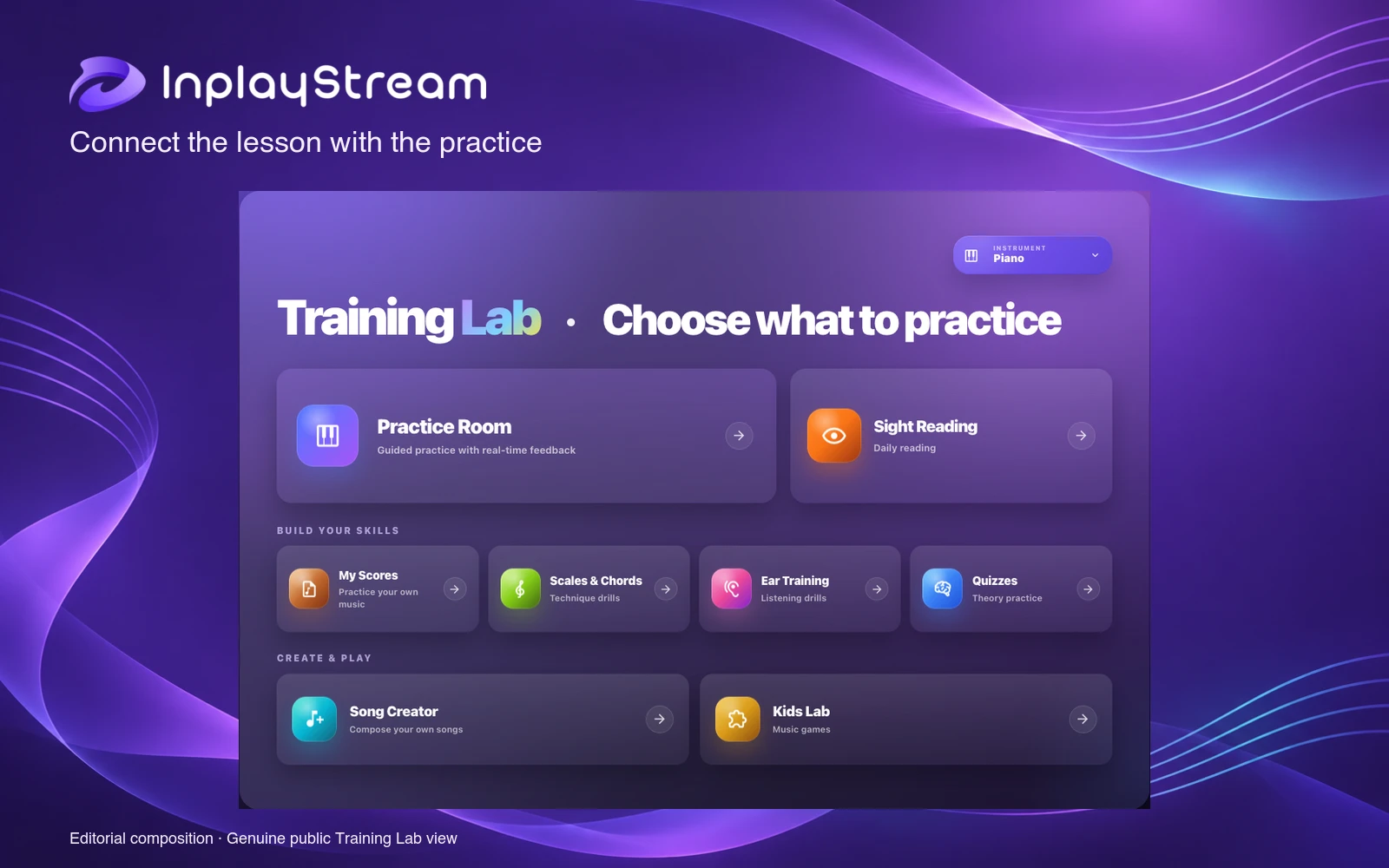
InplayStream connects live music lessons, guided practice and student progress in a browser. Teachers can keep lesson material and assignments alongside the work students do between sessions. Its Training Lab adds sight reading, ear training, technique and theory activities for piano, guitar, violin and saxophone, with tools varying by instrument.
Carry the lesson into practice
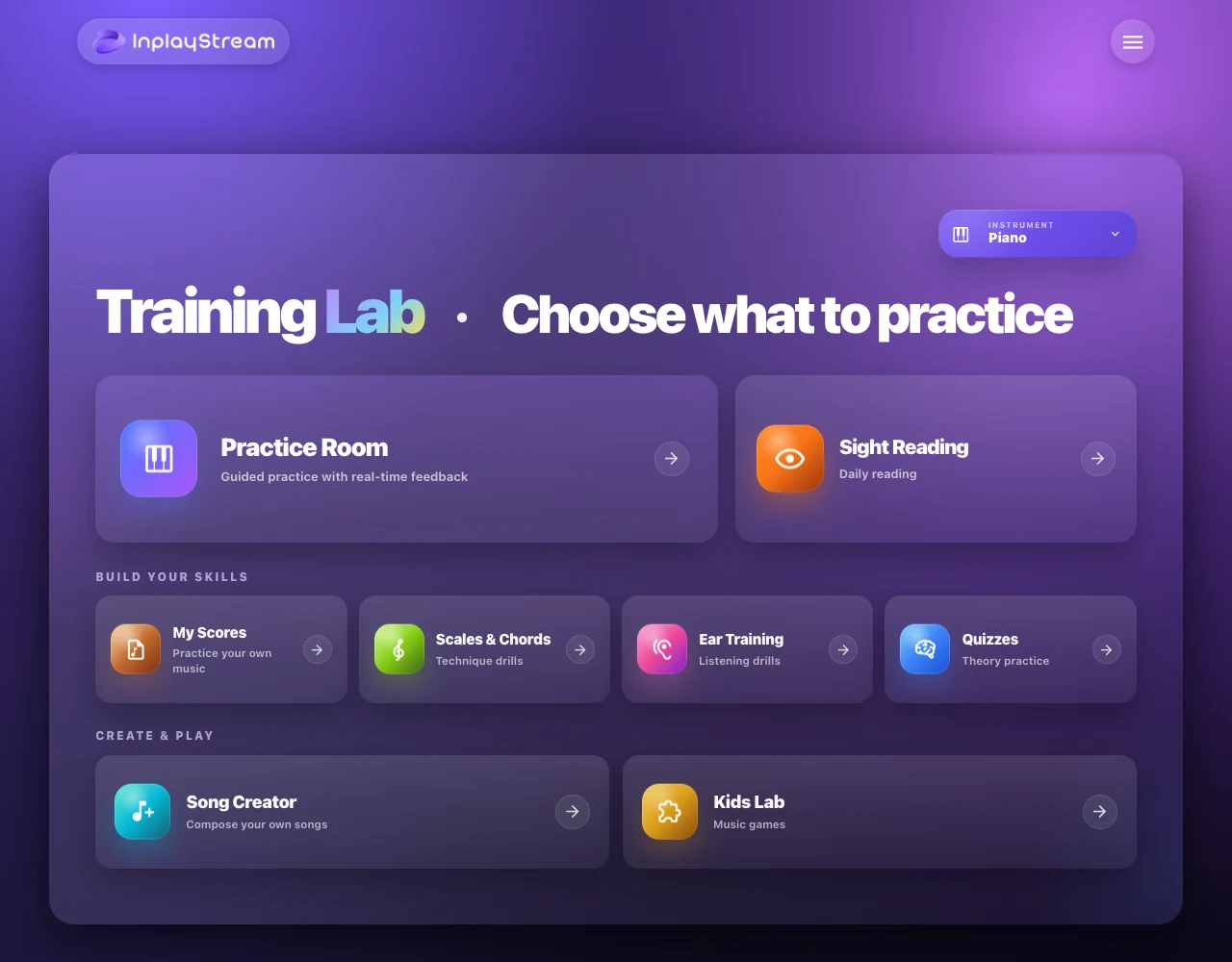
Live Studio provides a dedicated space for online instruction. Practice Room connects score-based work with performance feedback, while My Scores keeps personal music available for practice.
The EDU workspace adds faculty and student organisation, assignments and progress tracking for schools, studios and other teaching programs. That makes the lesson-to-practice connection the main reason to consider it over a collection of unrelated video and exercise apps.
- Practise sight reading and scales or chords.
- Work on listening skills with ear-training activities.
- Review music theory through quizzes.
- Use Kids Lab for music learning games.
- Write and review original short scores in Song Creator.
- Keep teaching materials and student activity within the same platform.
Song Creator is presented as a workspace for students to write their own music. Its documented educational purpose is composition under the learner's control, rather than producing finished songs from a prompt.
Browser setup and teaching judgment
InplayStream recommends a current version of Chrome or Edge on a laptop or desktop. Live lessons and acoustic performance input require the relevant microphone or camera access. Check the intended instrument and setup before organising a class around it.
AI feedback and assistant responses can be inaccurate. They provide material for a teacher or student to review, not a verified assessment of musical ability. This listing does not claim hands-on testing or independently demonstrated learning outcomes.
An account is required. Children under 13 cannot independently create self-serve accounts under the published terms, and younger learners need an appropriately authorised adult or school arrangement.
Free access and paid capacity
A free account stays free with limited access. The public pricing page does not itemise every free activity allowance.
Premium and Pro subscriptions expand training access, live-lesson time and media storage. Enterprise arrangements add school setup and onboarding. Confirm the current plan limits for your class size, lesson hours and stored materials before subscribing.
Alternatives to InplayStream
MakeMusic Cloud (official external site) is a direct alternative for assigning music, guided practice and reviewing student performance. Compare its interactive repertoire catalogue and pitch-and-rhythm assessment with InplayStream's combined live-instruction and practice workflow.