
What it does
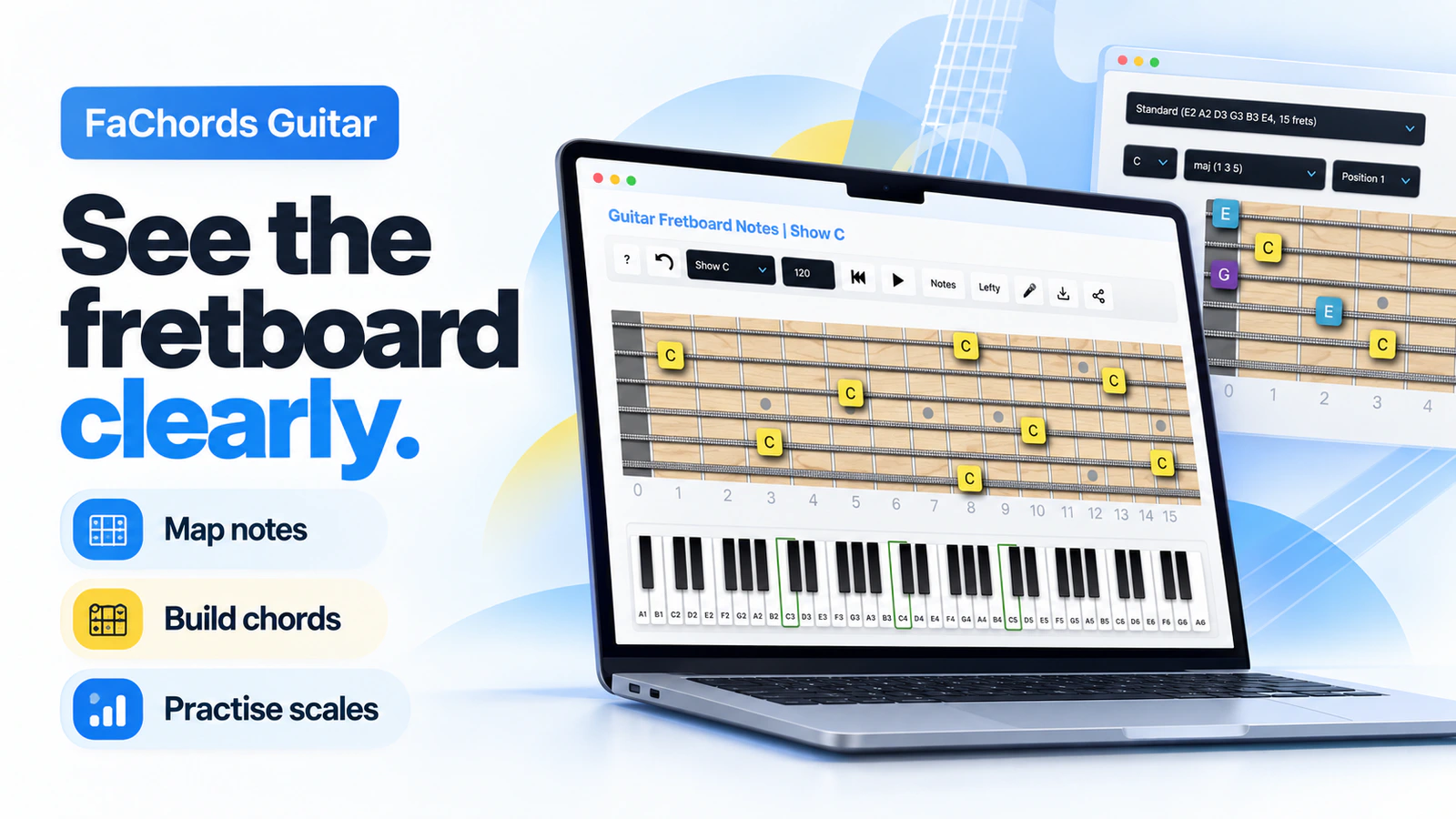
FaChords Guitar combines free interactive fretboard tools, chord and scale references, ear-training games and written guitar lessons. Explore notes and intervals across the neck, hear examples, and use printable charts to connect music theory with what you play on the instrument.
Learning through the fretboard
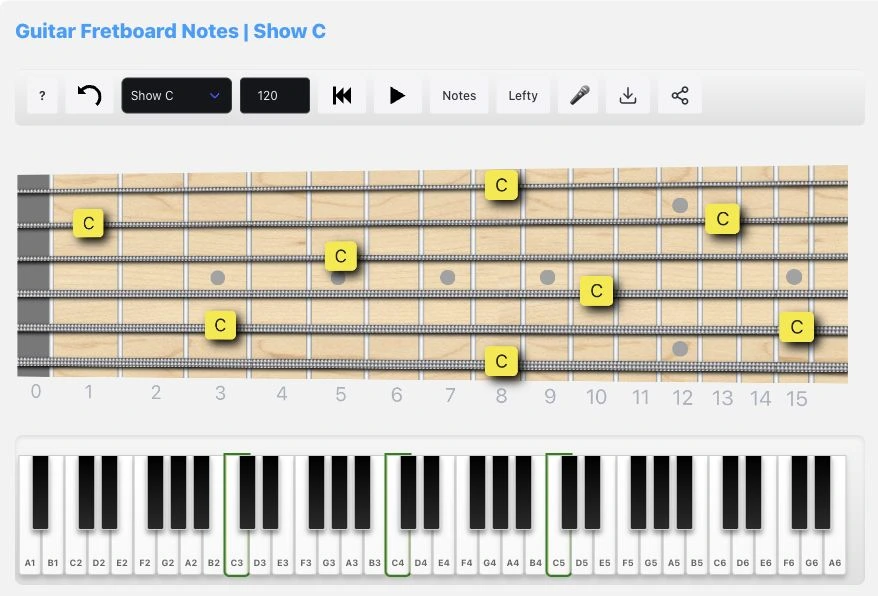
The virtual fretboard highlights a chosen note wherever it appears on the neck. A piano keyboard underneath mirrors those notes, giving you another way to see how the pitches relate. You can switch between sharp and flat names, change the tuning, flip to a left-handed view and adjust playback tempo.
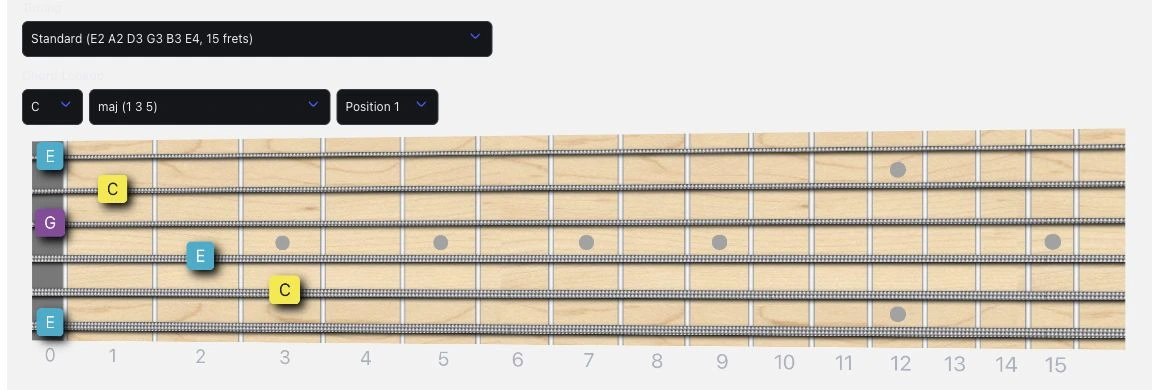
The chord finder works in both directions: select notes on the fretboard to identify a chord, or choose a key and chord type to browse voicings. Note names and chord-tone labels help explain the shape. The scale finder adds scale and arpeggio diagrams with playback and a comparison mode.
Useful features
- Explore fretboard notes, intervals, chord shapes and scale patterns in the browser.
- Look up chord voicings and inspect the notes and intervals they contain.
- Use alternate tunings and left-handed views in the interactive fretboard tools.
- Practise note recall, interval recognition and chord recognition with training games.
- Work on timing with the drum machine, strumming and rhythm exercises.
- Follow written lessons covering chord construction, modes, progressions and fretboard navigation.
- Download reference PDFs for chords, scales, arpeggios and fretboard notes.
Access and free resources
The training games run in a modern browser without an installation or account. FaChords lists desktop computers, laptops and tablets as supported devices. Some tools offer microphone pitch detection, which requires browser permission.
Many free PDF downloads require an email signup. The site also sells more detailed ebooks on chords, scales and progressions as separate purchases. Those books are optional: the interactive tools and public lessons remain free. The directory's Free label refers to those core resources.
For a starting route through the material, FaChords' study guide links concepts to relevant lessons, tools and printables. You can also jump directly to a specific reference or exercise.
Screenshots
Captured from FaChords' public fretboard and chord tools.
Alternatives to FaChords Guitar
These alternatives cover the fretboard, chord and scale workflows in FaChords. The links go to their official websites.
- #fretflip: For creating your own fretboard charts and teaching material. Edit scale and chord diagrams, then share them online or print them as reference sheets.
- All Guitar Chords: For chord lookup and reverse chord identification. It also provides scale diagrams and tools for finding scales that fit chords, or chords that fit scales.