
What it does
Bome MIDI Translator Pro maps and processes MIDI messages and can turn controller movements into keyboard or mouse actions. It gives musicians, DJs and performers a way to connect hardware and software when the available controls or MIDI mappings do not match.
Translate messages and build control rules
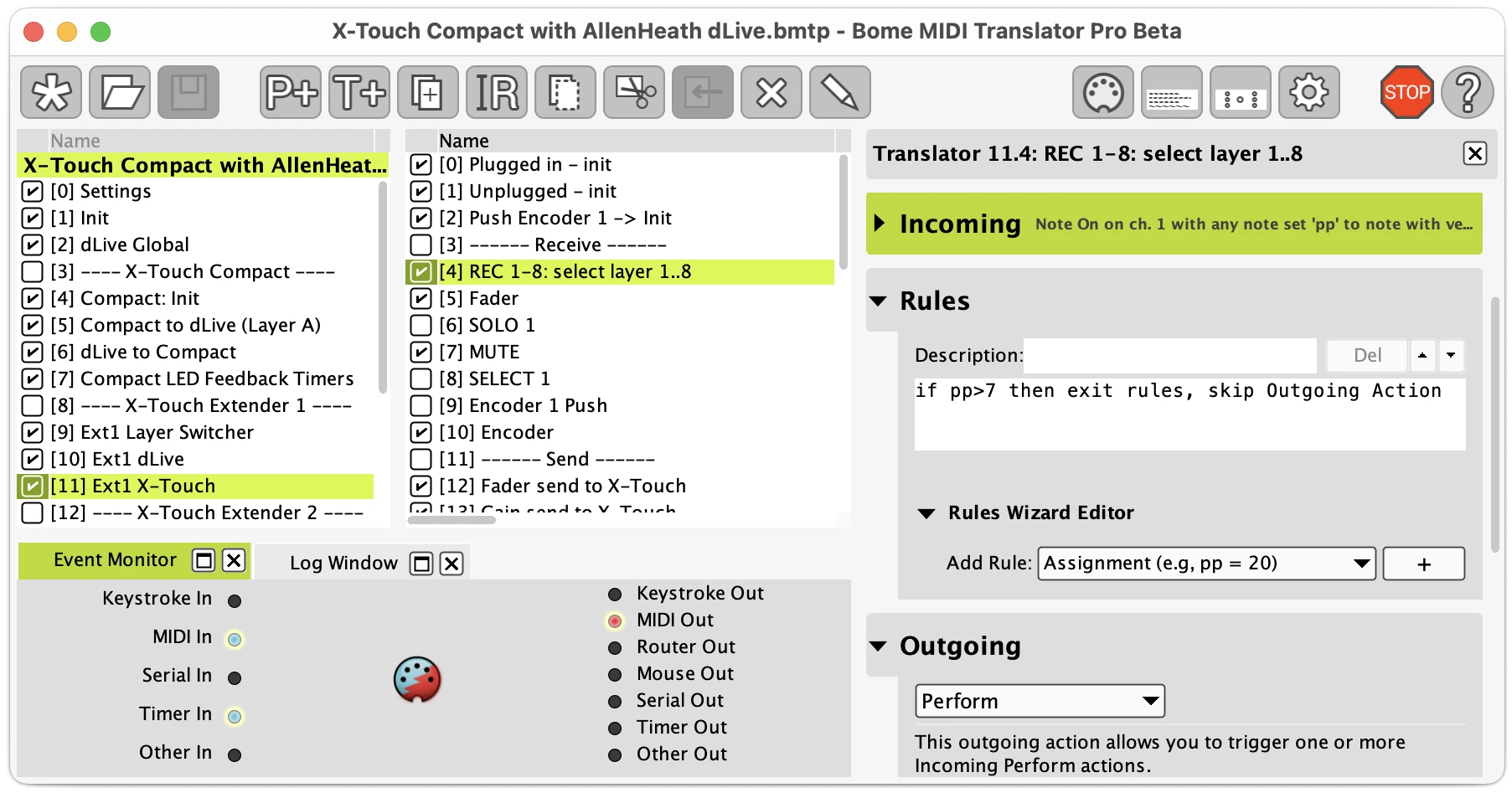
A project contains presets and translators. Each translator responds to an incoming event, can apply rules, and produces an outgoing action. A simple mapping might turn a pad press into a keyboard shortcut. A more involved project can track variables and change what a control does in different modes.
- MIDI conversion: Remap incoming messages to different MIDI messages and route them between ports.
- Keyboard and mouse actions: Trigger shortcuts, text entry, mouse movement or clicks from a MIDI controller.
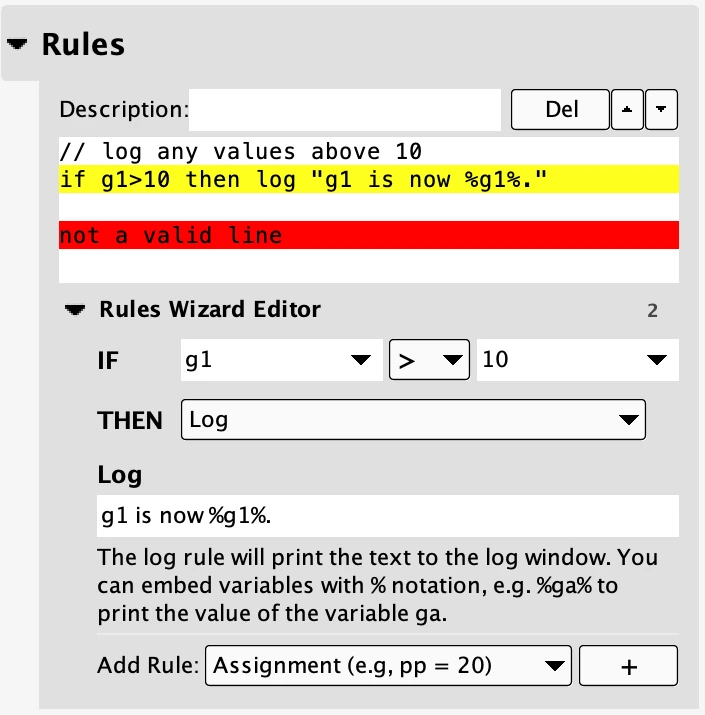
- Rules and variables: Use calculations and conditions to scale values, filter messages or make mappings depend on the current state.
- Presets and timers: Group mappings and schedule actions for more involved control workflows.
- Monitoring: Inspect activity and log output while checking that a mapping responds as intended.
Who it suits
Use it when a controller sends the wrong message for the destination, when a music application exposes a useful keyboard shortcut but no MIDI mapping, or when a performance rig needs conditional control logic. For example, a foot controller could trigger an application's shortcut, or a knob's values could be transformed before reaching a destination.
Compatibility, licence and trial
The current desktop release supports Windows 10 and 11, and macOS 11 through 26. Mac support includes Intel and Apple Silicon. Windows support covers 64-bit Intel and AMD processors. Bome states that its virtual MIDI ports are not compatible with Windows on ARM.
MIDI Translator Pro is paid software. One licence covers Windows and macOS, with one running instance at a time. The trial runs for 20 minutes per session and can be restarted as often as needed. After purchase, download the registered version. The trial itself cannot be unlocked.
Trial-saved projects do not run on BomeBox. They must be loaded and saved in the registered desktop version first. BomeBox hardware is a separate product.
Before choosing it
Expect to spend time configuring inputs, outputs and rules. Check which messages a controller actually sends and test shortcuts in the intended application. Keyboard and mouse actions depend on application focus and permissions, so a mapping should be rehearsed in the environment where it will run. This is a configurable utility, and it will not automatically know how you want each device to behave.
Alternatives to Bome MIDI Translator Pro
- MidiKey2Key — official site: A narrower free Windows option when the main job is turning MIDI input into keyboard shortcuts or launching programs. Consider it before building a larger rules-based translation project.
- Keyboard Maestro — official site: Consider it on macOS when MIDI notes or controller changes should trigger broader application macros. Its emphasis is Mac automation. Bome is the more specialised choice for MIDI routing and message transformation.
Product views
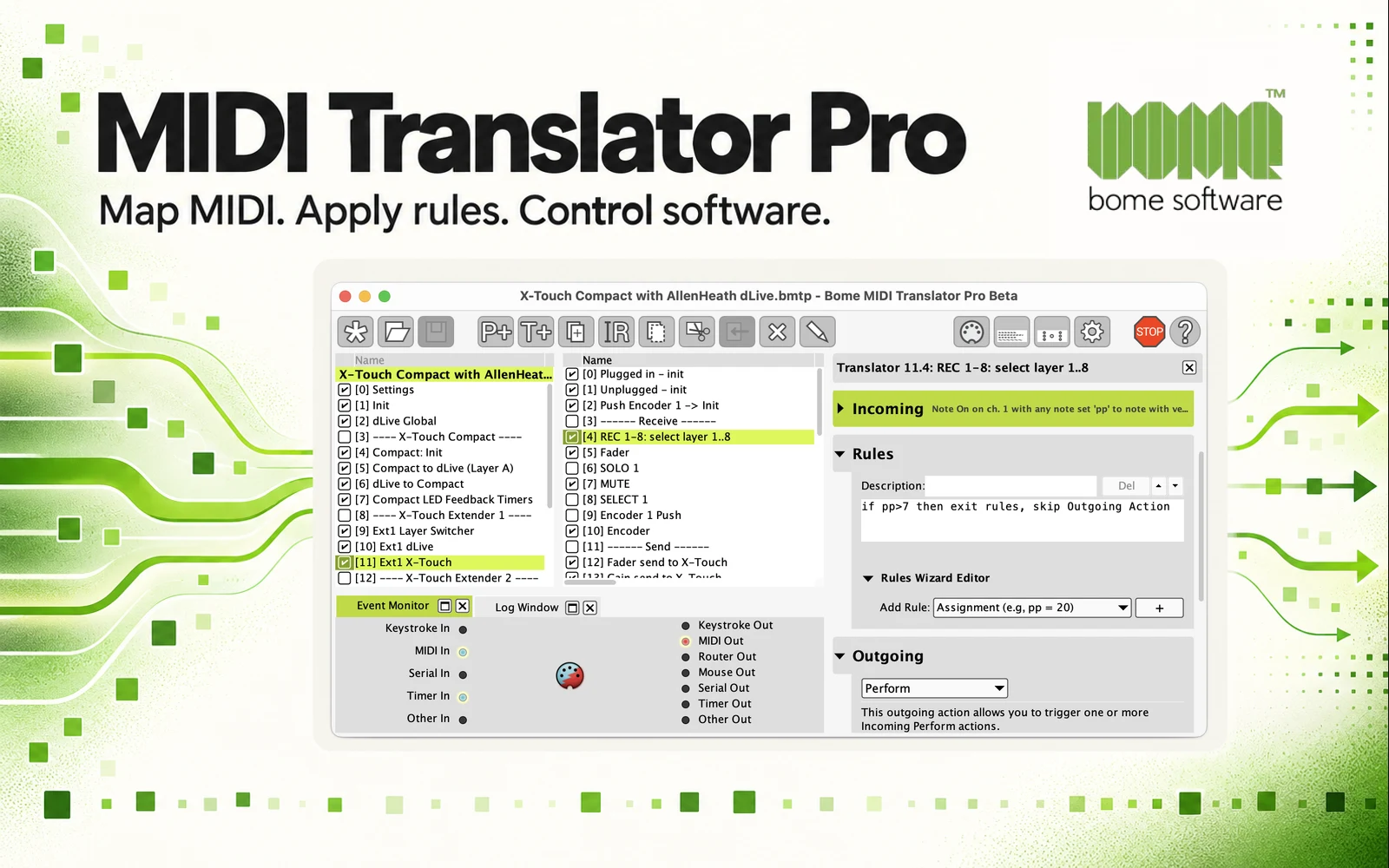
The hero is generated editorial artwork incorporating Bome's official logo and an official interface example. The developer's example uses a beta-labelled window. The current release and trial requirements are described above. These screenshots illustrate the workflow, not a hands-on test.
See the official product page and trial details and user manual for setup instructions.