
What it does
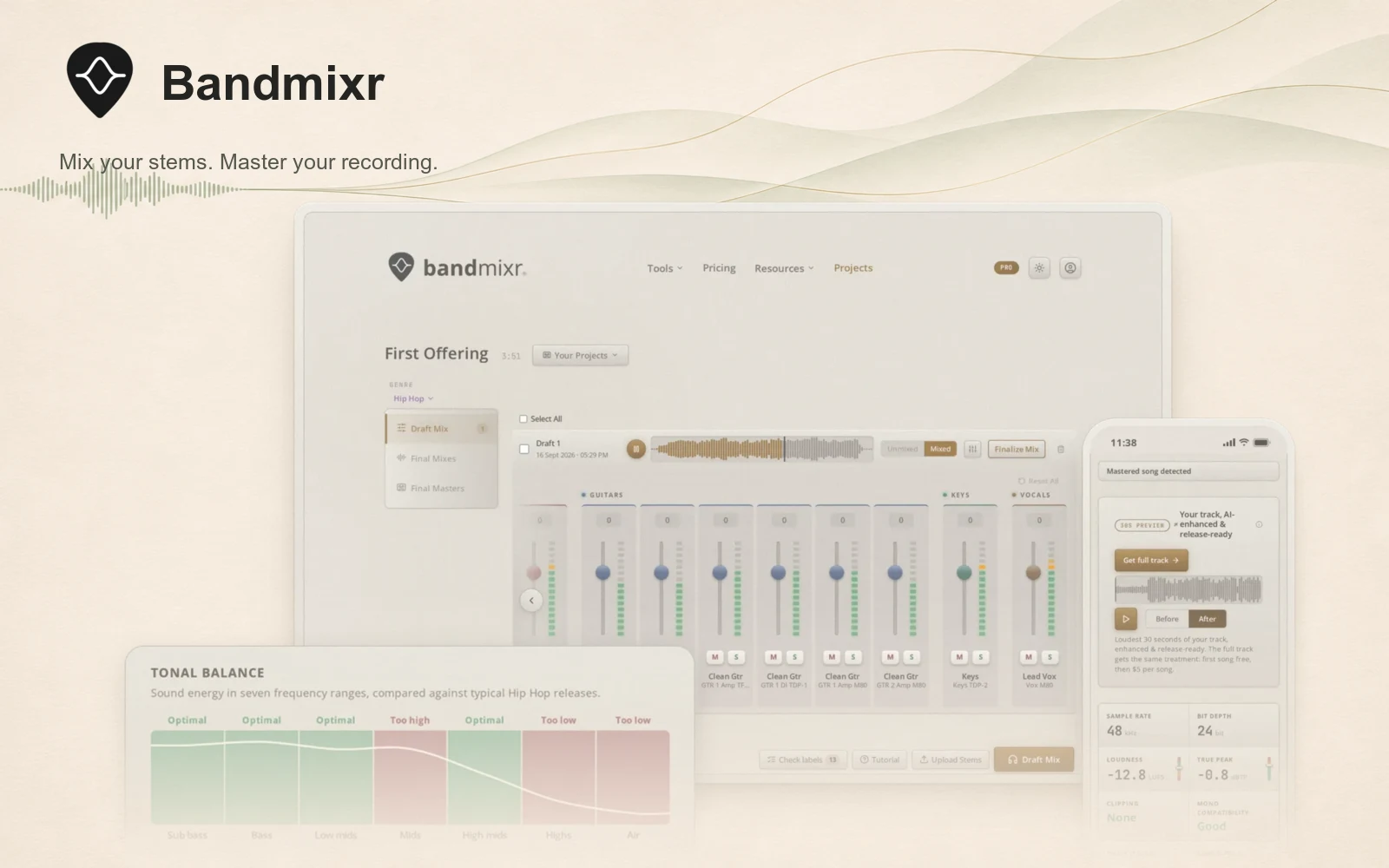
Bandmixr mixes recorded stems and masters stereo tracks in your browser. It gives bands, singers and home-recording producers an automatic starting mix, with controls for adjusting the balance, panning and effects before export. It works on music you have recorded, rather than generating a song from a prompt.
From separate recordings to a mix
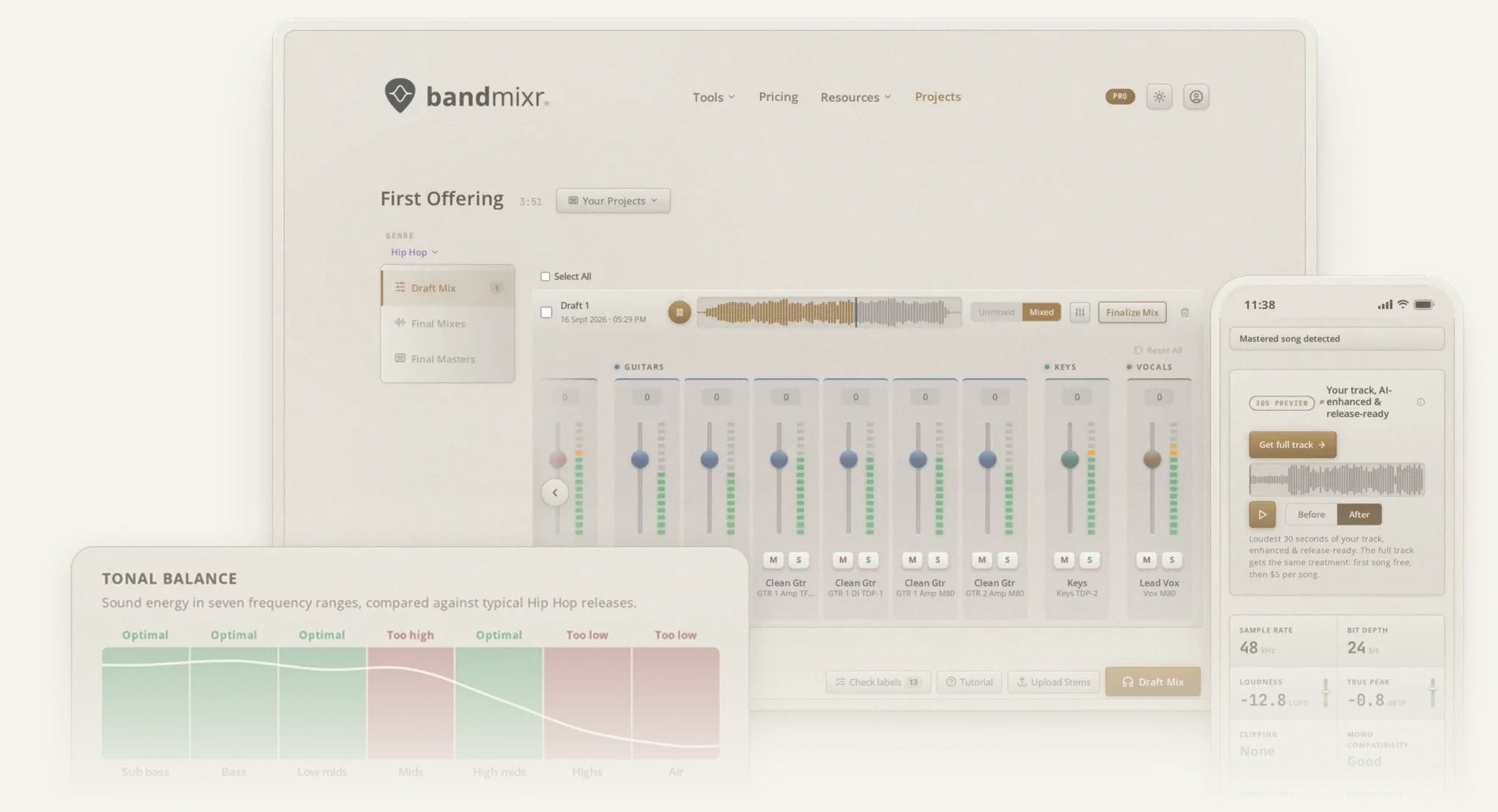
Export your vocals and instruments from the same starting point in your DAW, then upload the stems and label their instruments. Choose a genre or a general setting. Bandmixr analyses the tracks together and applies level balancing, EQ, compression, panning and effects. You can review the draft and adjust it before making the final mix.
- Mix separate vocal, guitar, bass, drum and other instrument recordings.
- Change individual stem levels, panning and reverb after the automatic mix.
- Master a Bandmixr mix or upload a stereo mix made elsewhere.
- Choose Streaming, Standard or Loud mastering presets.
- Use a reference track on eligible paid plans to guide tonal balance and stereo width.
- Download the result as WAV, FLAC or MP3.
Check a mix or split a rehearsal
The free Mix Analyzer checks loudness, true peak, clipping, stereo issues and tonal balance without an account. The Rehearsal Cutter separates long band-practice, jam or live recordings into individual songs, with editable cuts and segment names. These two tools process audio locally in the browser. The Rehearsal Cutter is intended for desktop and laptop computers.
Formats, plans and limits
The main mixing and mastering service requires an account and uploaded audio. It accepts WAV, FLAC, MP3 and AIFF. Use lossless recordings where possible and export stems with matching start points and lengths.
Free projects support up to 16 stems and eight-minute recordings. Paid plans raise those limits to 24 stems and 13 minutes. Individual stems can be up to 150 MB, while a stereo mix uploaded for mastering can be up to 180 MB.
You can create projects and mixes on the free plan, with the first song download included. Later downloads use purchased credits or a paid subscription. Automatic processing still needs a listening check: compare the result with your original recording and adjust the balance where necessary.
Alternatives to Bandmixr
- RoEx Automix also builds mixes from recorded stems and provides mastering. Its classic workflow can export editable DAW projects, useful if you want to continue mixing in your own DAW.
- Cryo Mix is another stem-mixing and stereo-mastering option. Choose it if you want to compare a workflow with detailed stem controls and conversational mix adjustments.