
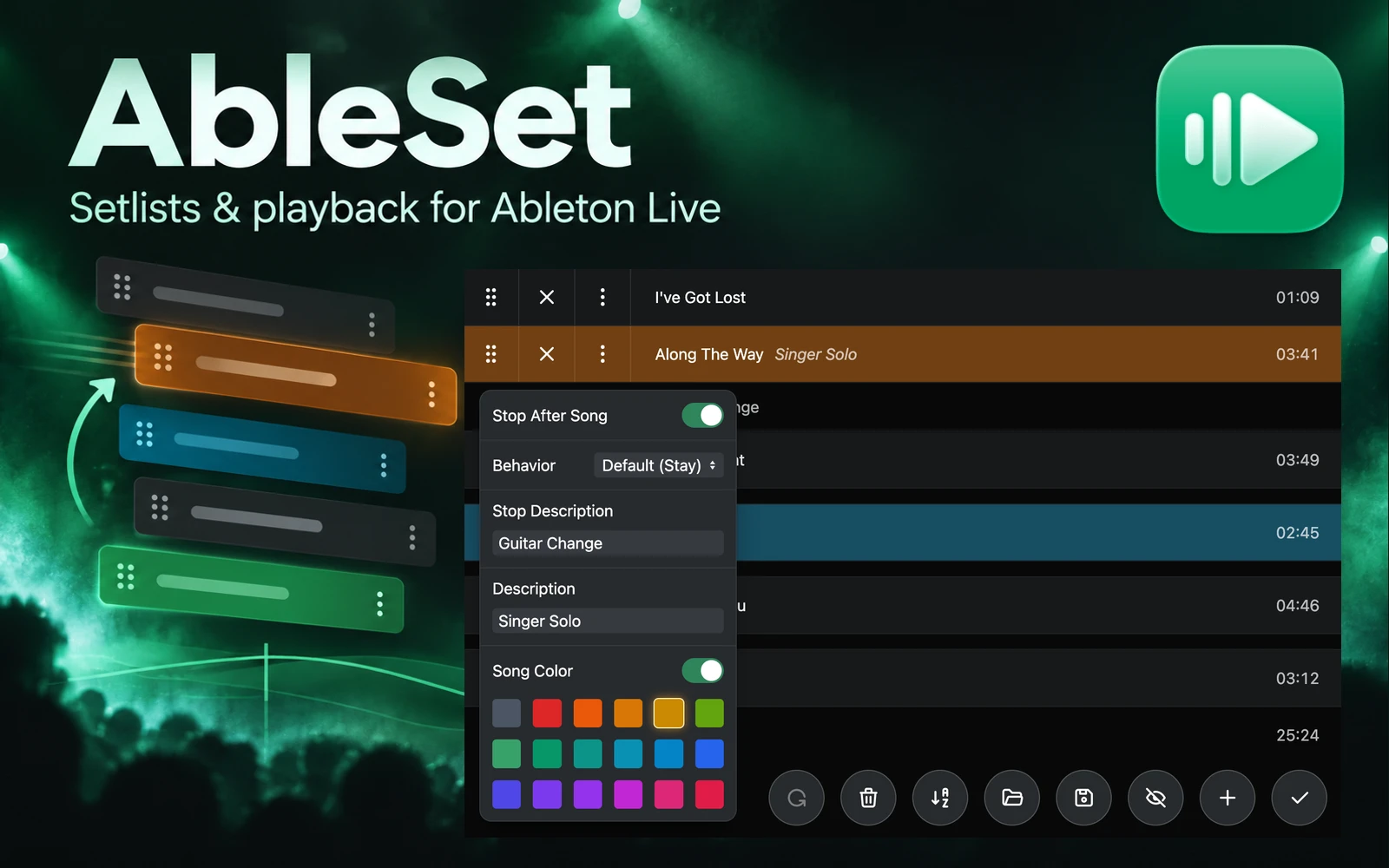
What it does
AbleSet manages setlists and controls playback in Ableton Live for performers, bands and playback operators. Build a running order from your Live project's locators, then launch songs, jump between sections and display performance information from a computer, phone or tablet.
Organise the show around your Live project
AbleSet reads song and section information from Live, so you can change the setlist without moving the audio and MIDI clips in your arrangement. Save different running orders for different shows, add song notes and colours, and see the set's duration.
- Reorder songs, add stops and delays, and save or import setlists through the editor.
- Define sections and loops, then cue a chorus or repeat a passage during rehearsal or performance.
- Display synchronised lyrics and chords, with a performance view that can show different information on each device.
- Map MIDI controllers to playback commands and use the AbleSet Cues plugin for spoken song and section announcements.
- Split a show across multiple Live project files when one large project is impractical.
- Use AbleNet in Standard or Pro to control multiple playback computers together. Pro adds a track-group mixer, custom Canvas controls, OSC tracks and scripting.
Editions, licence and trial
AbleSet 3 is paid software with three editions. Intro covers setlist management, MIDI mapping, performance view and one lyrics track, with one computer activation. Standard allows two computer activations and adds AbleNet redundancy, unlimited lyrics tracks, OSC control and Stream Deck support. Pro provides three activations and the additional mixer, Canvas and automation tools.
Licences do not expire and include one year of updates. Renewing is optional if you want later releases. The trial has no overall expiry, but playback stops every 15 minutes and you must restart the app to continue. It is for evaluation, rather than an ongoing free edition.
Compatibility and setup
The host application runs on macOS 12 or later, including Intel and Apple Silicon Macs, or Windows 10 and 11. It works with all editions of Ableton Live 10, 11 and 12. Section clips and lyrics tracks need Live 11 or 12. The optional Max for Live controller requires Live Suite or Standard with the Max for Live add-on.
Phones and tablets access AbleSet's local browser interface on the same network as the host computer. Internet access is not needed for show control. Live and the playback computer remain part of the rig.
Rehearse song jumps and quantisation with the actual project. For redundancy, load matching sets on the computers and plan the audio switching as well as the software control. AbleNet's documentation recommends Ethernet connections for the playback machines.
Product views
The hero is generated editorial artwork incorporating the official logo and a genuine interface view. These developer-supplied images show the setlist editor, song settings and an example AbleNet setup. They do not represent a hands-on test.
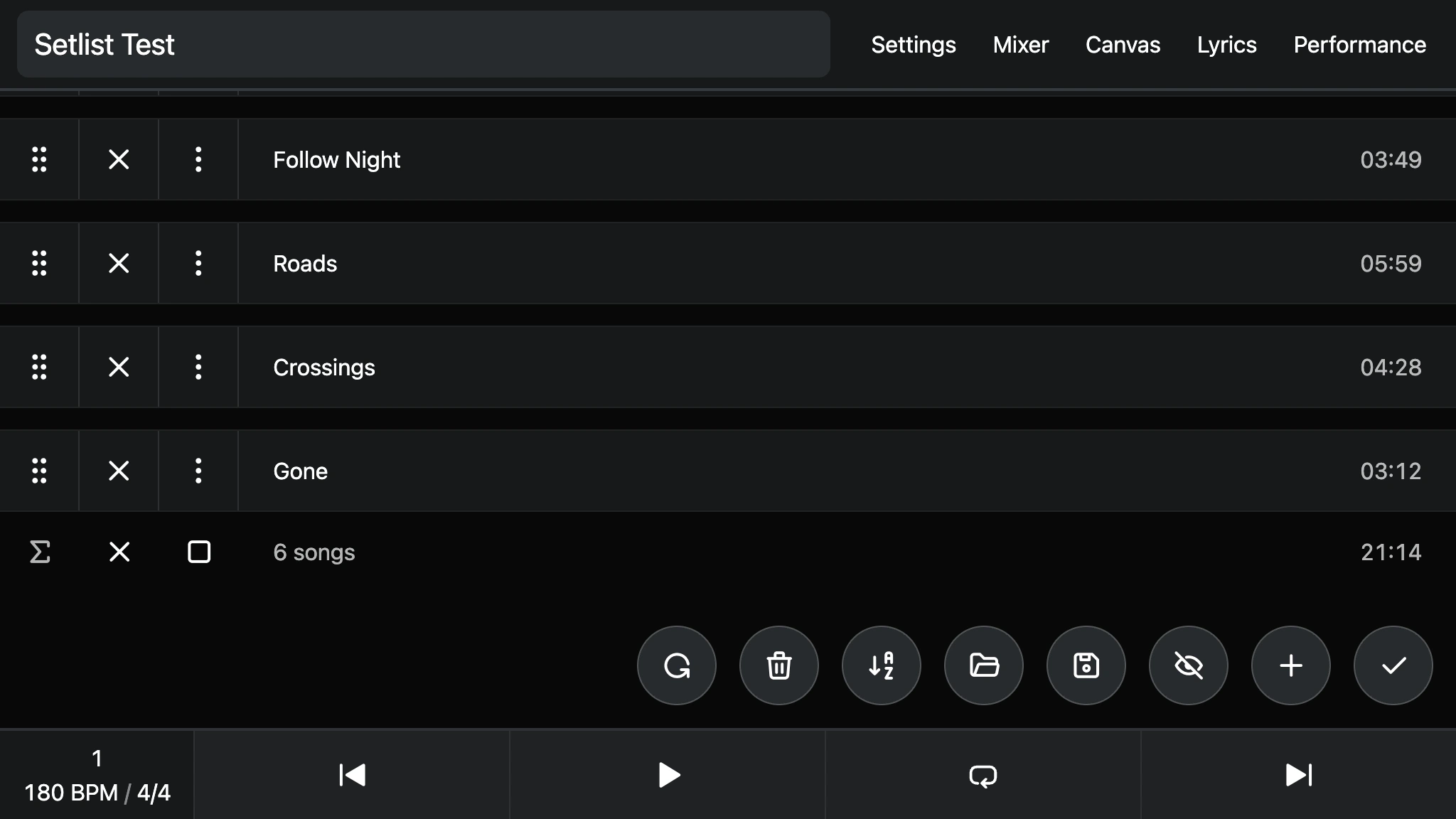
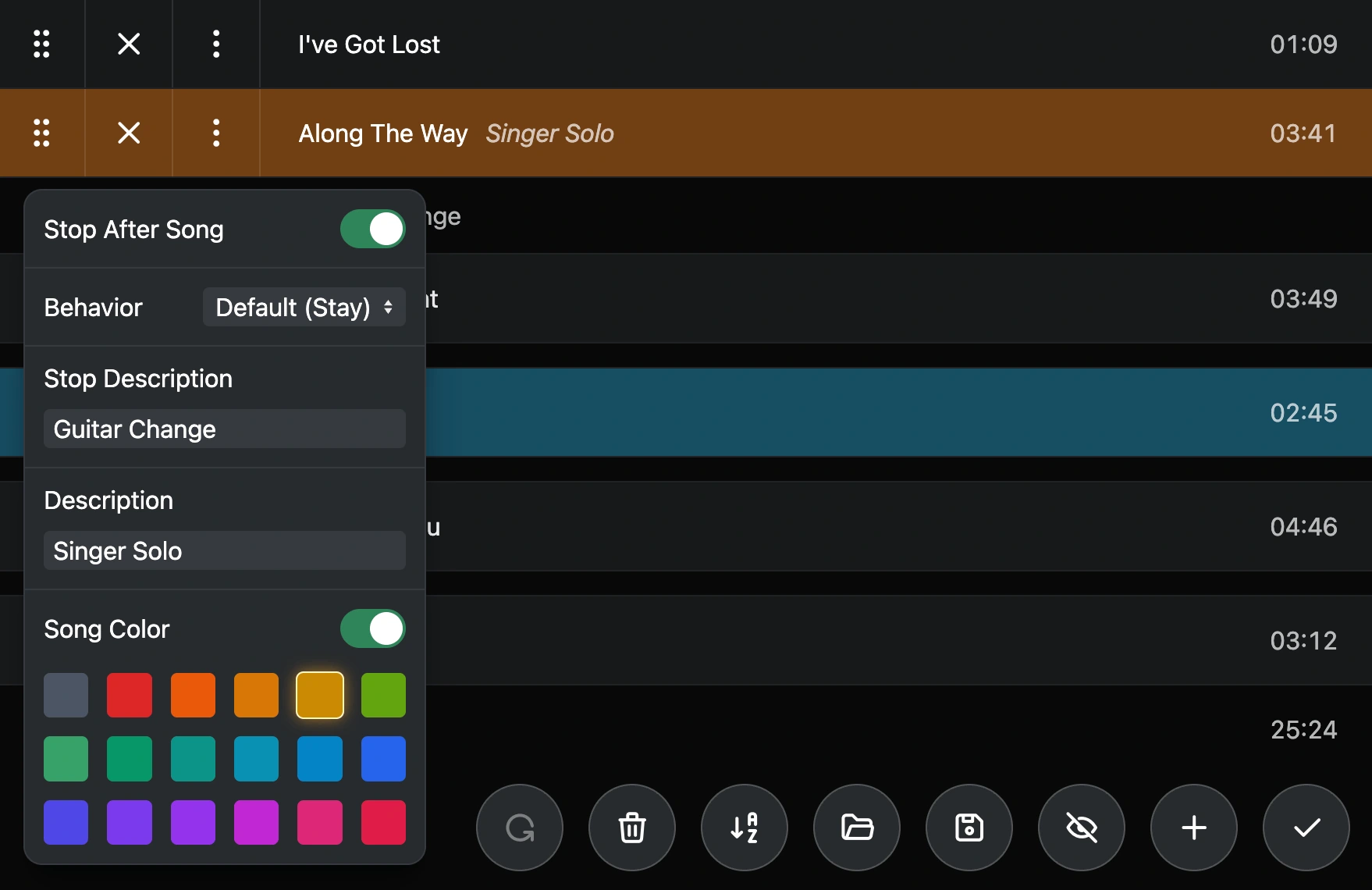
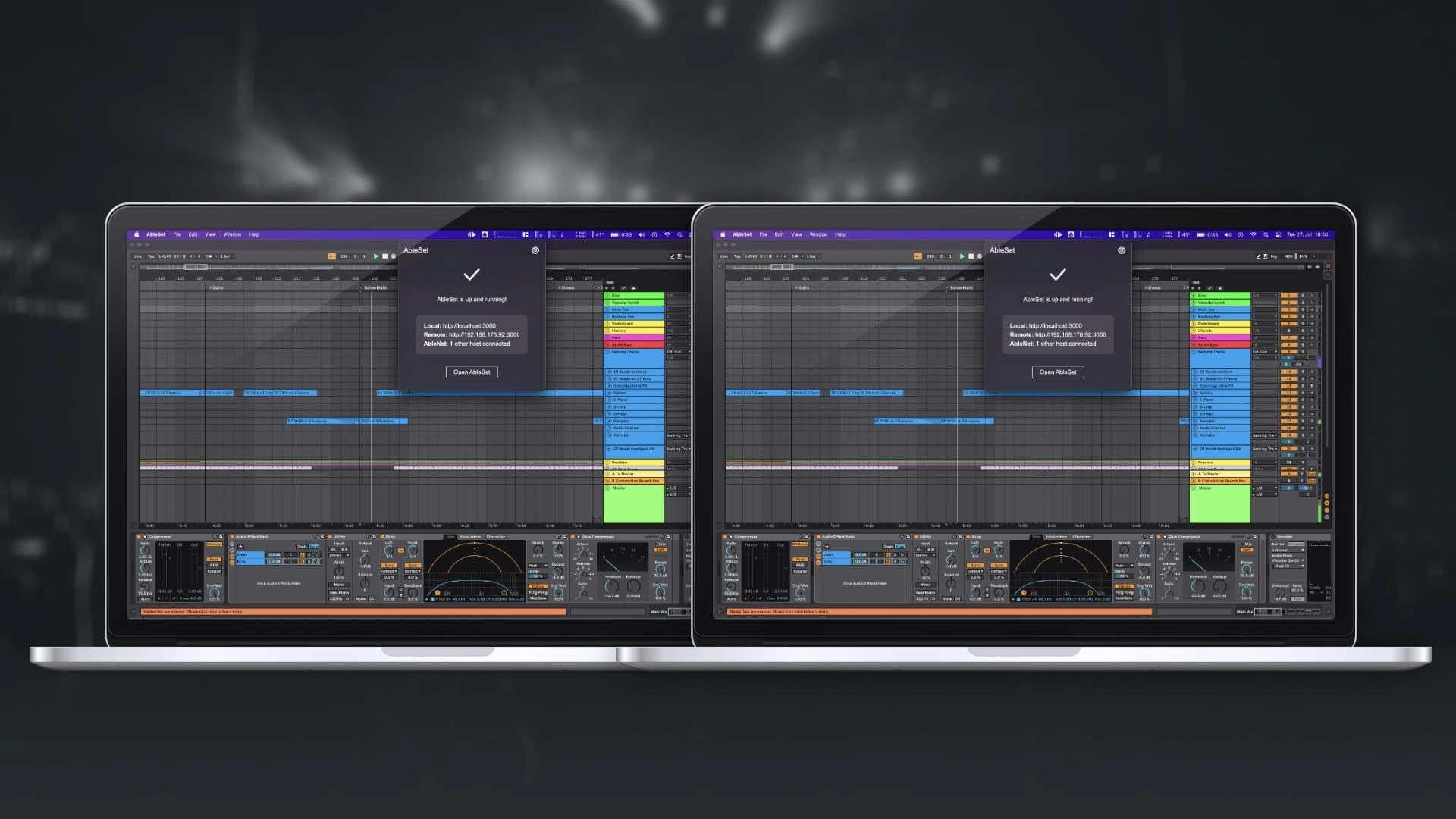
See the AbleSet documentation and compatibility and licensing FAQ for setup details.
Alternatives to AbleSet
- Setlist by Henry Strange Systems (official site) is a close alternative for building and reordering a show inside Ableton Live. It supports Arrangement and Session View workflows and requires Max for Live.
- Taz 3 Pro by Oaktone (official site) combines show presets, reordered cues, spoken slates and a phone or tablet remote. Consider it for a macOS rig with Live 11 or 12 and Max for Live, particularly when using Oaktone controllers.